Life & fun · alternatives · 2026

24 alternatives to CleanClip – Search/Preview/Paste, the simplest way to manag clipboard
CleanClip is An immersive clipboard management tool designed for Mac, allowing you to quickly search, preview, and use clipboard history at your input position. Its features are: Use Anytime Call it up with a single keystroke "⌘ + ;" in any scenario, view, search, preview, and use all your records. ⌨ Immersive Popup No need to switch focus, the popup always appears at the editing field position. Quick Search Type a letter to quickly search, even the oldest records can be found instantly. Full Format Support Supports all copyable formats, including images and files. Sync Mobile Records With…
Below are 24 products that do a similar job, ranked by how close each is in meaning and then by launch-day votes. CleanClip – Search/Preview/Paste, the simplest way to manag clipboard launched in 2023; newer entries below may have overtaken it.
- 1
 CleanClip▲138
The easiest way to use clipboard history like a pro
2024 · cleanclip.cc · its alternatives →
- 2
 Paste 4.0▲650
The most convenient way to copy and paste on iPhone and iPad
2023 · pasteapp.io · its alternatives →
- 3
 Copyclip▲108
Simple, efficient clipboard manager for your Mac
2015 · apps.apple.com · its alternatives →
- 4
 ClipBook▲341
A keyboard-centric clipboard history app for your Mac
2024 · clipbook.app · its alternatives →
- 5

- 6

Smarter copy-paste for macOS. New version!
Mar 2026 · cuatro.studio · its alternatives →
- 7

- 8

Hey HN, As a Software Engineer, I frequently copy and paste content. The fact that macOS clipboard buffer can keep only one item is very frustrating. It’s very annoying to copy → switch app → paste → switch app → copy → switch app → paste, and so on. Losing items I copied hours ago and having to find and copy them again is a waste of time. I tried many third-party clipboard managers like Alfred, Raycast, Paste, Maccy, etc. While great, they didn't fully meet my needs. As a developer, my requirements are: 1. Keyboard-centric operation to avoid using the mouse. I don’t want to waste my time…
2024 · clipbook.app · its alternatives →
- 9

- 10
 Cliptop▲112
Hi HN, I built Cliptop, a clipboard history app for macOS. Yes, it is another clipboard manager. I built it because I wanted one that felt fast from the keyboard, stayed local, handled more than plain text, and did not make me think too much about sensitive clipboard items. The main things I focused on: * Keyboard-first search and paste * Local clipboard history for text, links, code, images, files, colors, and design layers (e.g. Figma) * Quick actions like paste as plain text, color format conversion, image crop, background removal, and Markdown conversion * Pinboards for saving items and…
Jun 2026 · cliptop.app · its alternatives →
- 11

Automatically removes formatting from your MacOS clipboard
2023 · apps.apple.com · its alternatives →
- 12
 Clipboard PRO▲140
Fast access to all your most used content
2021 · clipboardpro.app · its alternatives →
- 13
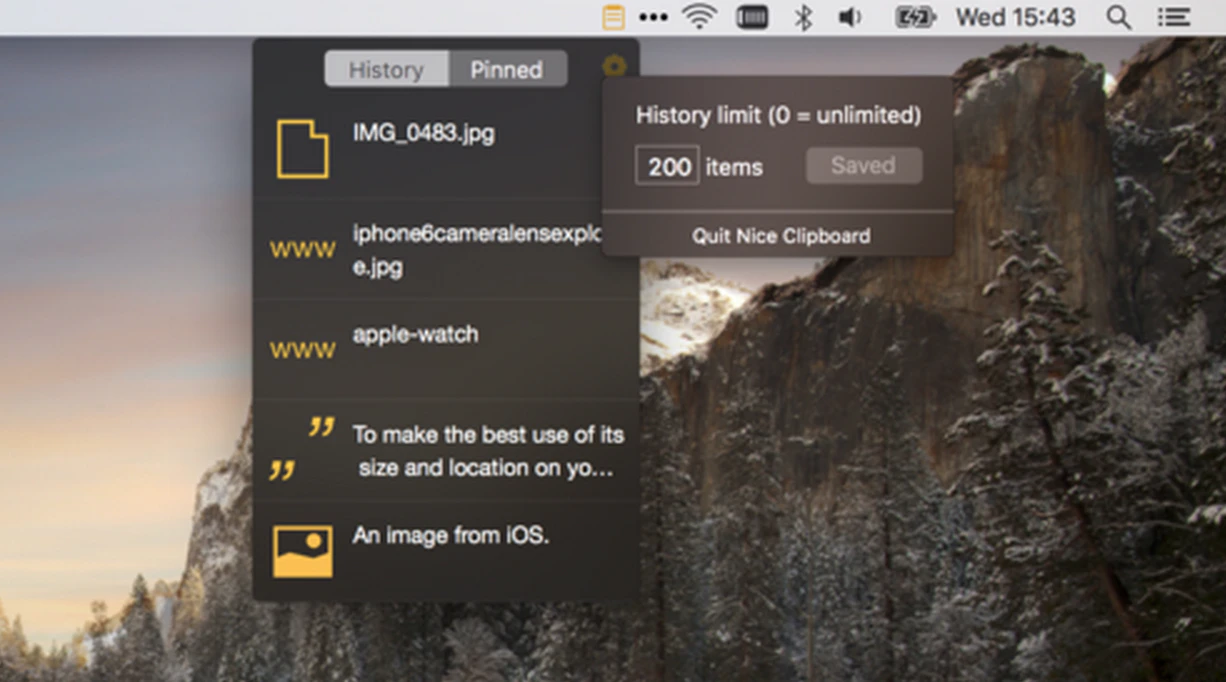
- 14

- 15
 iPaste▲95
Lightweight and efficient clipboard tool for iOS & macOS.
2017 · apps.apple.com · its alternatives →
- 16

- 17

- 18

- 19
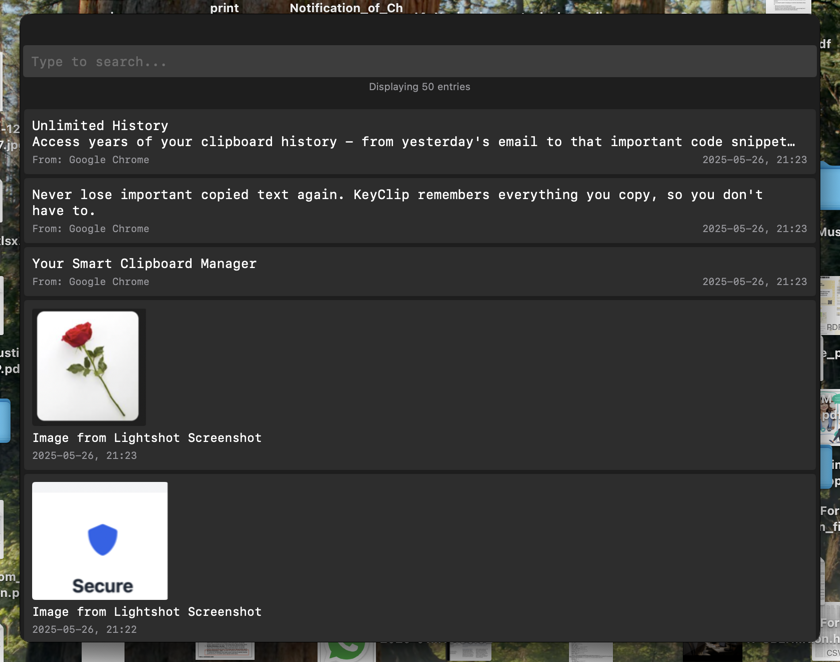
- 20

- 21

- 22

- 23
 AegisClip▲11
Hi HN, I built AegisClip, a minimalist clipboard manager for Mac. Problem: I often needed to copy multiple items (code, text, links) but existing clipboard tools felt limited. Switching windows and pasting repeatedly was frustrating. Solution: AegisClip tries to reduce context switching with: - Auto Paste after copying - Split copied text into multiple items - Batch or step-by-step paste - Inline previews (including color values), tags & search - 100% on-device, with privacy in mind Would love to hear feedback from this community on how you use clipboard tools and what matters most. Demo &…
Oct 2025 · aegisclip.com · its alternatives →
- 24
 Reclips▲5
Paste your clipboard history right at your cursor
Jul 2026 · reclips.app · its alternatives →
Also compare
Ranked by how close each launch is in meaning, then by votes. Prices were read from each product’s own site when checked and can change. Refine with your own description →