Dev tools · alternatives · 2026

24 alternatives to Find Website Used Fonts
The simplest and easiest way to identify fonts on website
Below are 24 products that do a similar job, ranked by how close each is in meaning and then by launch-day votes. Find Website Used Fonts launched in 2021; newer entries below may have overtaken it.
- 1

Identify and bookmark fonts from any website
2020 · chromewebstore.google.com · its alternatives →
- 2

- 3
 Fonts Ninja▲247
Try fonts discovered on websites in any design software
2019 · fonts.ninja · its alternatives →
- 4

The easiest way to identify fonts on web pages in Safari
2024 · apps.apple.com · its alternatives →
- 5

Hey HN, I've been working on fontofweb.com on and off for the past 4 years, and I'm keen to share it with you. It lets you type in the URL of any website and see exactly how the fonts are used: all the weights, line heights, and sizes. A big plus is that it doesn't require a Chrome extension, unlike a lot of other tools in this space. You can also search for a specific font and find websites using it. For example, check out sites using Inter: https://fontofweb.com/w/inter. This reverse font search even supports looking for multiple fonts at once, like here’s an example…
2025 · fontofweb.com · its alternatives →
- 6
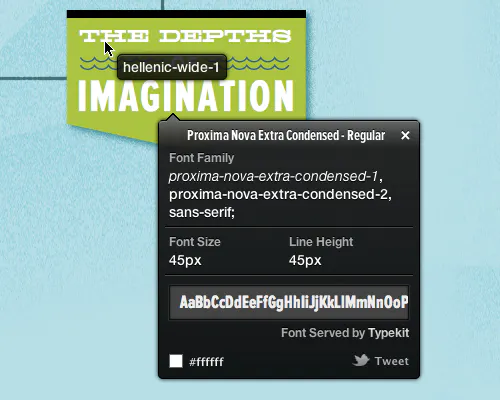
The easiest way to identify fonts on web pages
2014 · whatfonttool.com · its alternatives →
- 7
 WhatFont▲127
The easiest way to identify fonts on web pages.
2014 · chromewebstore.google.com · its alternatives →
- 8
- 9
 Font Face Ninja▲196
Browser extension to quickly find the webfonts a site uses
2014 · its alternatives →
- 10
 What Font Is▲353
Find any font from any image (commercial or free)-WhatFontIs
2019 · whatfontis.com · its alternatives →
- 11

Identify any font or web font from any web page.
2020 · chromewebstore.google.com · its alternatives →
- 12

Scan your website to discover where your fonts are hosted
2022 · fontsplugin.com · its alternatives →
- 13

What The Font is the best free font identifier tool. Upload any image and instantly discover what font is this. Identify fonts from images with our powerful AI technology. Download What The Font today!
2025 · whatthefont.app · its alternatives →
- 14

Font Finder is the most accurate completely free font identification tool. Upload any image with text to instantly identify fonts with 99.5% accuracy. 100% free for designers and developers.
Oct 2025 · font-finder.org · its alternatives →
- 15

- 16
 Find my Font▲179
Identify any free or commercial font with your camera!
2017 · findmyfont.com · its alternatives →
- 17
 Localfonts▲174
A simple way to browse all your local fonts in your browser
2022 · localfonts.xyz · its alternatives →
- 18
- 19
 Inline▲61
Get any web page fonts style and export as SVG/CSS/HTML
2023 · chromewebstore.google.com · its alternatives →
- 20
 FontFace ninja▲213
A browser extension to identify and try fonts on any website
2017 · its alternatives →
- 21
Sort & compare Google Fonts by their visual attributes.
2017 · jmattthew.github.io · its alternatives →
- 22
- 23
 Font Tester▲280
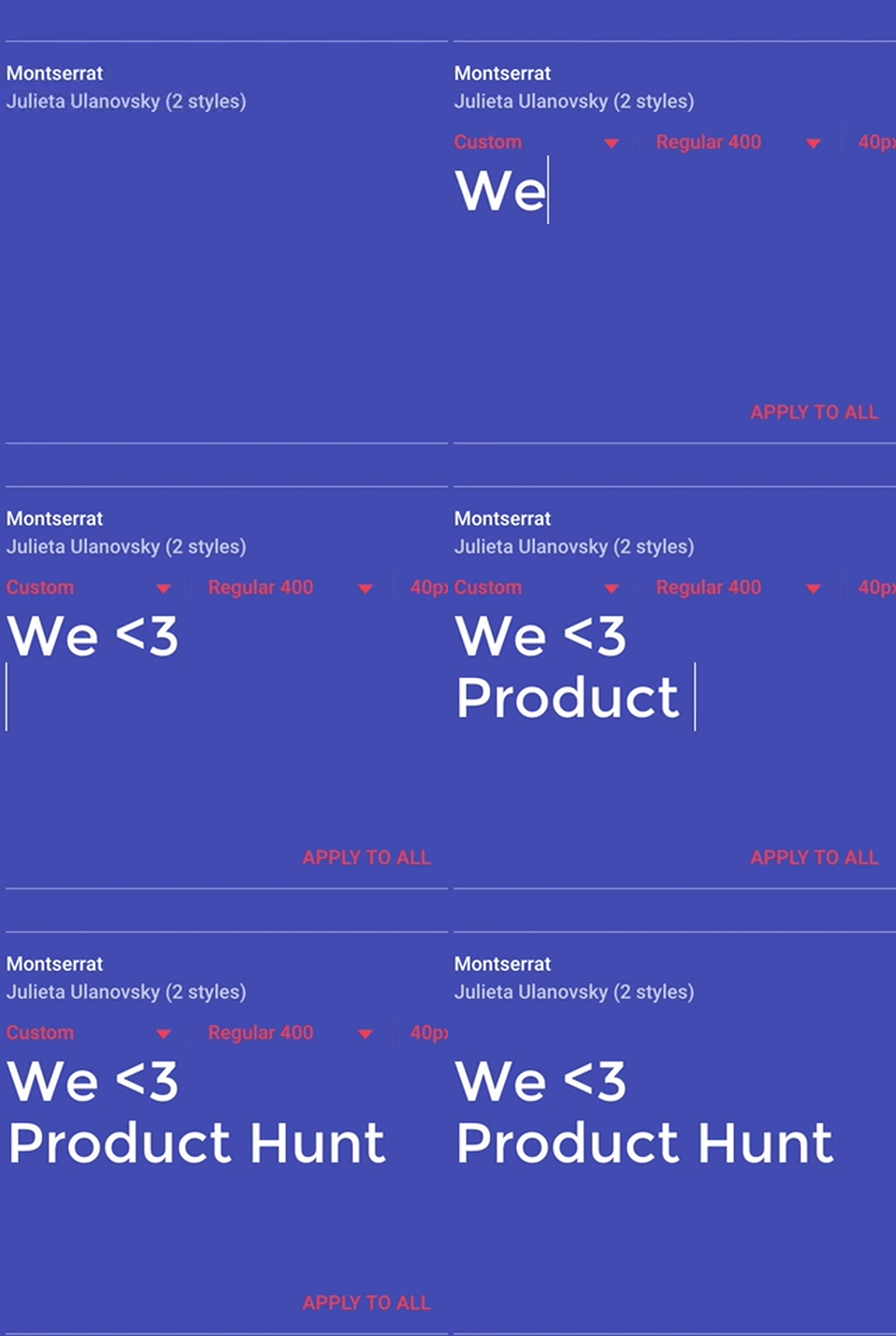
I've been looking for new fonts to use for a new project, but there weren't any great tools for seeing how a particular serif font for headers would look with another sans font for paragraph text, so I built a tool that lets you compare, adjust, and tinker with the way you'd use a font in your specific project before downloading it/setting it up. This is only using the free Google fonts for now. If there are other open-source fonts I should add, let me know and I'll add them!
2024 · font-tester.foxcraft.tech · its alternatives →
- 24
 Pair & Compare▲150
Font selection and pairing — the next level
2018 · pairandcompare.net · its alternatives →
Also compare
Ranked by how close each launch is in meaning, then by votes. Prices were read from each product’s own site when checked and can change. Refine with your own description →