Life & fun · alternatives · 2026

24 alternatives to Hourglass
Dynamic Mac desktop
Below are 24 products that do a similar job, ranked by how close each is in meaning and then by launch-day votes. Hourglass launched in 2021; newer entries below may have overtaken it.
- 1
 Progress Bar OSX▲644
This is your life and it's ending ⏳ one minute at a time
2018 · progressbarosx.com · its alternatives →
- 2
- 3
 TimeBars▲107
Adds multiple timeframe progress bars to your macOS menu.
2019 · apps.apple.com · its alternatives →
- 4
 Chunk▲298
Hi HN Dudley here, tech lead on Chunk. Chunk is a macOS menu bar app for time-blocking. It opens with Cmd + / and slides down over whatever you're doing - including fullscreen apps. There's also a live countdown in the tray for the current block. Click-and-drag to create blocks, day/week views, Google/Outlook/Apple Calendar sync, Apple Reminders integration, and a Todo mode where tasks can be dragged onto the timeline. Templates and Routines let you build an ideal day once and auto-apply it on chosen weekdays. There's a local MCP server, so you can ask Claude Desktop to…
2025 · chunkapp.net · its alternatives →
- 5

Howdy, gang; After almost two weeks of sitting in Apple's approval queue, my new app Timebar is finally available. I think it has a pretty innovative UI feature, so I wanted to float it by Hacker News. It's a timer app that turns your Mac's menu bar into a sort of virtual hourglass. Your menu bar starts out tinted blue (or whatever colour you pick) and it slowly drains from right-to-left until your time is up. It works very well for situations where you want to keep track of time, but don't need to be super precise. The menu bar is easy to glance up at, and it doesn't take long to happen…
2013 · whimsicalifornia.com · its alternatives →
- 6

- 7
 Hourglass▲79
A clock that countdowns to your favorite events
2020 · play.google.com · its alternatives →
- 8
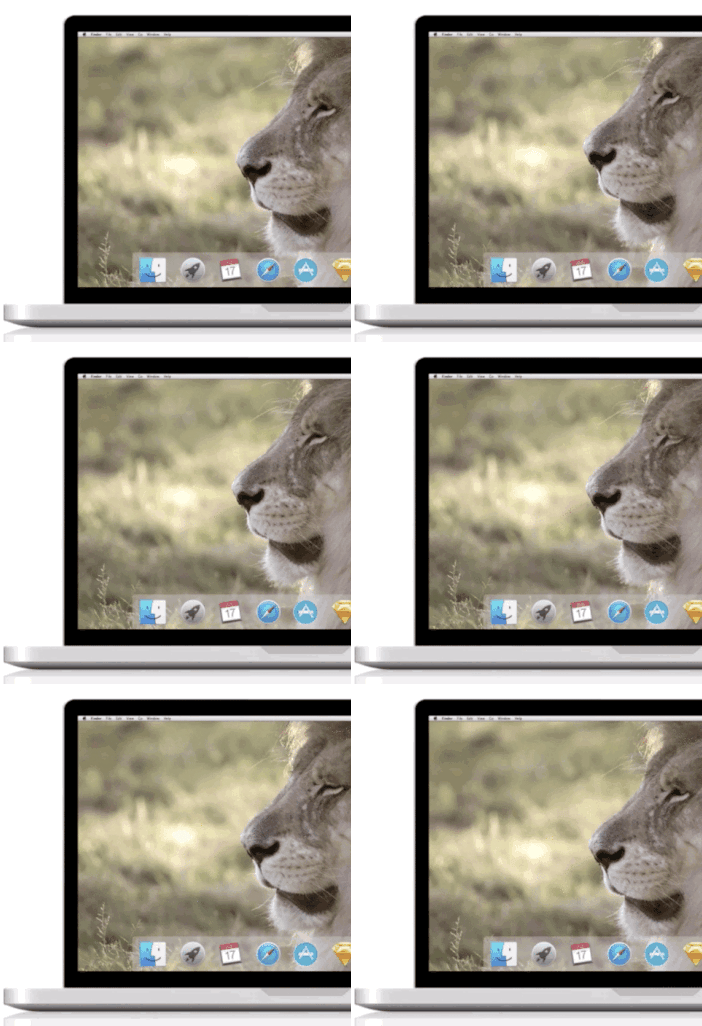 Live Desktop▲240
Make your Mac desktop come alive with animated themes
2016 · macappstudio.com · its alternatives →
- 9

A desktop app that kills the procrastination in you.
2019 · its alternatives →
- 10
 Weather Screen▲113
Bring Real-time Weather Effects to your Mac Screen
2024 · apps.apple.com · its alternatives →
- 11
- 12
 Instant for Mac▲132
A menu bar app to track the daily time spent on your Mac
2015 · apps.apple.com · its alternatives →
- 13
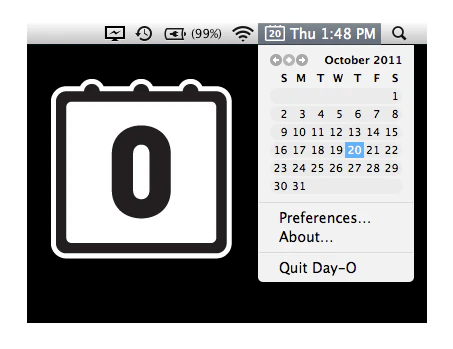 Day-O▲131
Simple menu bar clock replacement w/ calendar for your Mac
2014 · shauninman.com · its alternatives →
- 14
 TyCal▲205
A peek at your Apple Calendar right from the menu bar
2025 · apps.apple.com · its alternatives →
- 15
 Bauhaus Clock▲207
Elegant timepiece screensaver for macOS
2025 · bauhausclock.com · its alternatives →
- 16
 DynamicLake▲350
Dynamic Island experience for Mac with apps & notifications
Mar 2026 · dynamiclake.com · its alternatives →
- 17

- 18
 Clocks for iOS▲192
Transform your phone into a beautiful clock display
2025 · clocks.app · its alternatives →
- 19
 Snowshaker▲150
Decorate your Mac for Christmas and New Year
2024 · apps.apple.com · its alternatives →
- 20
 Corner Time▲106
Have you ever wished you could see the time while coding or watching videos in fullscreen or when your menu bar is hidden? Corner Time is a minimalist macOS app designed for those who value a clean desktop but still want the clock to be always visible. Unlike other widgets or solutions, Corner Time sits unobtrusively in the corner of your screen as if it were a native part of macOS—even when you’re in fullscreen mode or using auto-hide for your menu bar. The app is highly customizable: you can choose your preferred date format, adjust the style, match your system language, and use it…
2025 · cornertime.app · its alternatives →
- 21

- 22
 Dynamics▲82
Transform your Apple devices with dynamic elegance
2023 · sauravwagh.gumroad.com · its alternatives →
- 23
 Hologram▲95
Amazing widgets and wallpapers for your Mac desktop!
2020 · gethologram.com · its alternatives →
- 24

Also compare
Ranked by how close each launch is in meaning, then by votes. Prices were read from each product’s own site when checked and can change. Refine with your own description →