Alternatives
Products that do what Never Spin does
Auto-stop apps slowing your laptop down
- 1

- 2

- 3

- 4

- 5

- 6

- 7PY
There's often times I want to prevent a computer/laptop/VM from sleeping and while, yes, there's various Caffeine/Amphetamine apps they're often overkill. Instead, this small (12Kb) page does the job and only needs a web browser. It's just a very simple usage of a web api normally used for things like video players: https://developer.mozilla.org/en-US/docs/Web/API/Screen_Wake...
2022 · nosleep.page
- 8DA
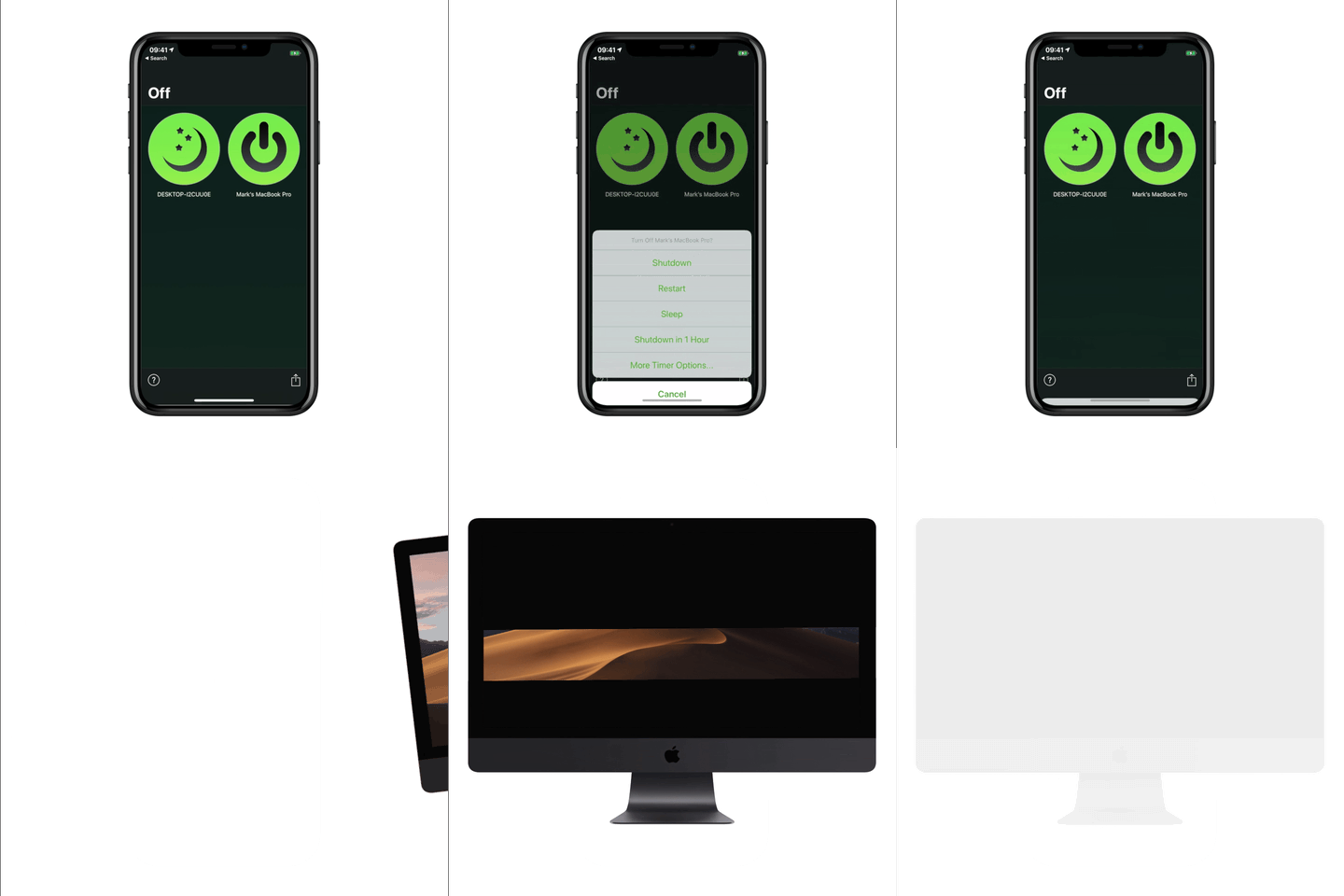
Hi HN, Francesco from Cua here. I hacked this project together last weekend, inspired by the Codex Computer-Use release and lessons learned from deploying GUI-operating agents for our customers. The main problem: when a UI automation process controls a desktop app today, it usually takes over the human’s session. Your cursor moves, keyboard focus gets stolen, windows jump to the front, and you have to stop working until the agent is done. That is why we have historically avoided encouraging users to run these processes directly on their host machine, instead relying on VMs or GUI containers…
Apr 2026 · github.com
- 9
- 10

- 11
- 12TP
In 2019, I experienced eye soreness and back pain for a while because I was constantly working long hours in front of my 16 inch Macbook without any rest. I decided to do something to change that. I’m not a fan of Apple Watch or smartbands. So the first thing I did was looking for some reminder software to remind me to take a break in the App Store, but none of them were smart enough for my needs. I wish the software could automatically tell if I was working, rather than requiring me to manually set an alarm. At the same time, when I go to the bathroom or drink coffee, it can automatically…
2022
- 13

- 14

- 15
- 16

- 17

- 18

- 19

- 20

- 21AA
2015 · github.com
- 22SA
SpinWin is an open source menu bar app to visually rotate any individual window. You can rotate / spin as many as you want one by one. I was scrolling reels when one came on where the content creator suggested "turning the phone upside down" for a portion. I was sitting at my mac, and decided to see if I could find something that did this. To my surprise, nothing exists, so I decided to build it. Turns out macOS doesn't provide any public API to do anything like this, so I wound up using the Accessibility API to move the target window offscreen, where it keeps rendering. Then we capture…
Jul 2026 · github.com
- 23
Fastest time & task tracker for solo founders & freelancers
Mar 2026 · blbl.work
- 24SN
Hey HN! I made this app because I bite my nails way too much while I code It uses Mac's Vision library to track the location of your hands and mouth via the webcam. Then when it catches you biting, it temporarily covers your screen with a big obnoxious warning. You have to stop biting if you want to continue seeing anything. It's helped me a lot, so I hope it can help other nail-biters here :)
2023 · handsdown.kianpak.com
Ranked by how close each launch is in meaning, then by votes. Refine with a description →