nowfound

Alternatives

Products that do what Peekaboo does

Keep any web page on screen, hidden until you hover

  1. 1
    Helium790

    A floating browser window for your Mac

    2015

  2. 2

    Mac menubar browser with tabs

    2024

  3. 3
    Muzzle1,120

    Silence embarrassing notifications while screensharing

    2017 · muzzleapp.com

  4. 4

    Bring websites into your space — visionOS

    2024

  5. 5

    Make your screen instantly presentable with one keystroke.

    May 2026 · lucidbit.app

  6. 6

    A MacOS panic button where one key press cleans your screen

    Mar 2026 · solee0524.github.io

  7. 7
    Peek404

    AI organizer and workspace for your browser tabs

    2024

  8. 8
    TopNotch271

    Makes the new MacBook Pro notch disappear like a Ninja

    2021

  9. 9
    PeekNote176

    Lightweight always-on-top notes for devs & multitaskers

    2025

  10. 10
    Hush142

    Blur your messy desktop to hide it during screen sharing

    Feb 2026 · poteam.pro

  11. 11
    TabTab271

    Supercharged windows & tabs manager for Mac

    2024

  12. 12
    Hover94

    See the contents of windows in an always-on-top window.

    2020

  13. 13

    Keep any Mac window visible in a floating mini screen

    Jul 2026 · labs.toybird.com

  14. 14
    Peek96

    Live website previews in your Mac menu bar

    Dec 2025 · justpeek.app

  15. 15

    A simple, effortless tab manager for chrome

    2016

  16. 16
    DockDoor166

    Window peeking and alt-tab functionality for macOS

    2025

  17. 17
    Glint107

    Claude Code activity, right where you want it.

    Jun 2026 · glint.binarybeam.net

  18. 18

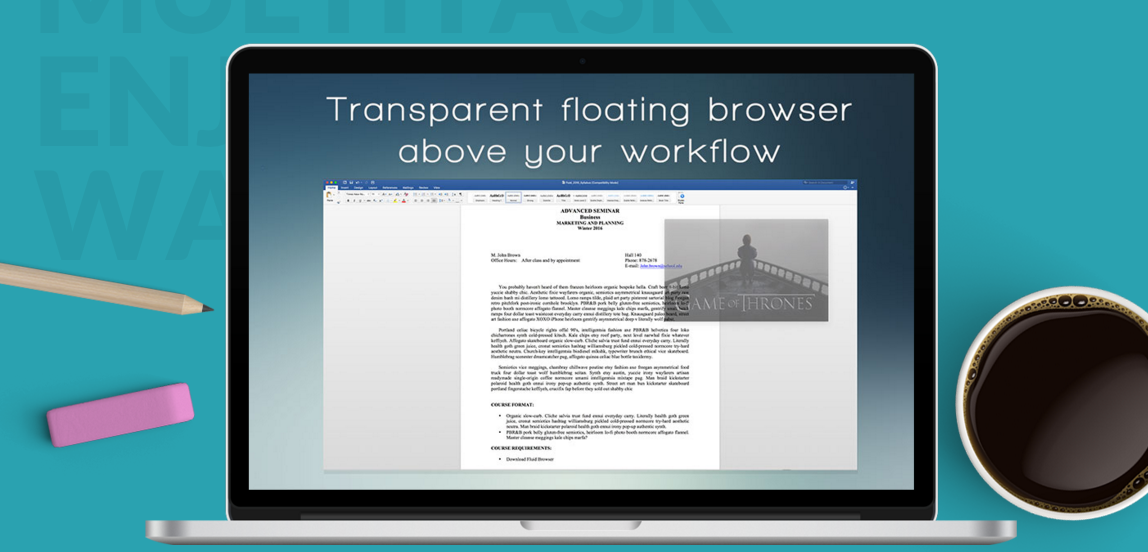
    Transparent floating browser built for multitasking

    2016

  19. 19

    Hide what shouldn’t be seen on your computer

    May 2026 · apps.apple.com

  20. 20RM

    Hello HN, This is a macOS app that allows you to see all your open windows on each monitor and select the one you want. It also lets you view the current state of things like email or chat windows, terminal processes, and more. You can use "cmd" and the key above the tab key for alt-tab like behaviour. You can also toggle the UI by resting a finger on the corner of your trackpad. I also wrote some dev details here: https://madebyenzo.com/#robata

    2024 · robata.app

  21. 21
    Surf86

    Access any website or web app from menu bar/floating window

    2021

  22. 22
    Tuck119

    Dock windows to the edge of your screen

    2020

  23. 23

    Switch apps at the speed of thought

    Mar 2026 · dashpane.pro

  24. 24
    Unweb98

    Adblock for distracting crap like feeds and related content

    2020

Ranked by how close each launch is in meaning, then by votes. Refine with a description →