Work · alternatives · 2026

24 alternatives to RightFont 9.0
The ultimate font manager app for Mac
Below are 24 products that do a similar job, ranked by how close each is in meaning and then by launch-day votes. RightFont 9.0 launched in 2024; newer entries below may have overtaken it.
- 1

- 2

Helping designers find the right font quickly
2015 · rightfontapp.com · its alternatives →
- 3

- 4

- 5
- 6

- 7
- 8
 FontBase 2.0▲378
Update for the super fast, beautiful and free font manager
2017 · fontba.se · its alternatives →
- 9

- 10
 Typeface▲312
Helps you pick the perfect font from your collection
2016 · typefaceapp.com · its alternatives →
- 11

- 12
 WhatTheFont▲433
Shazam for fonts! Identify fonts with your camera.
2017 · myfonts.com · its alternatives →
- 13

- 14

Accessibility optimized, automated, and integrated
2021 · getstark.co · its alternatives →
- 15
 RightMenu Master▲292
Finder right-click menu enhancement tool
2024 · apps.apple.com · its alternatives →
- 16
 Webfont▲134
Easily create and maintain custom SVG icon fonts
2019 · webfontapp.com · its alternatives →
- 17

- 18
 Pica▲214
Fully native app for managing your fonts on MacOS
Apr 2026 · pica.joshpuckett.me · its alternatives →
- 19
 FontPairings 2.0▲306
Discover trendy font combinations to preview & download
2020 · fontpairings.bypeople.com · its alternatives →
- 20
 Stark for Mac▲347
Find and fix accessibility issues in record time
2022 · apps.apple.com · its alternatives →
- 21
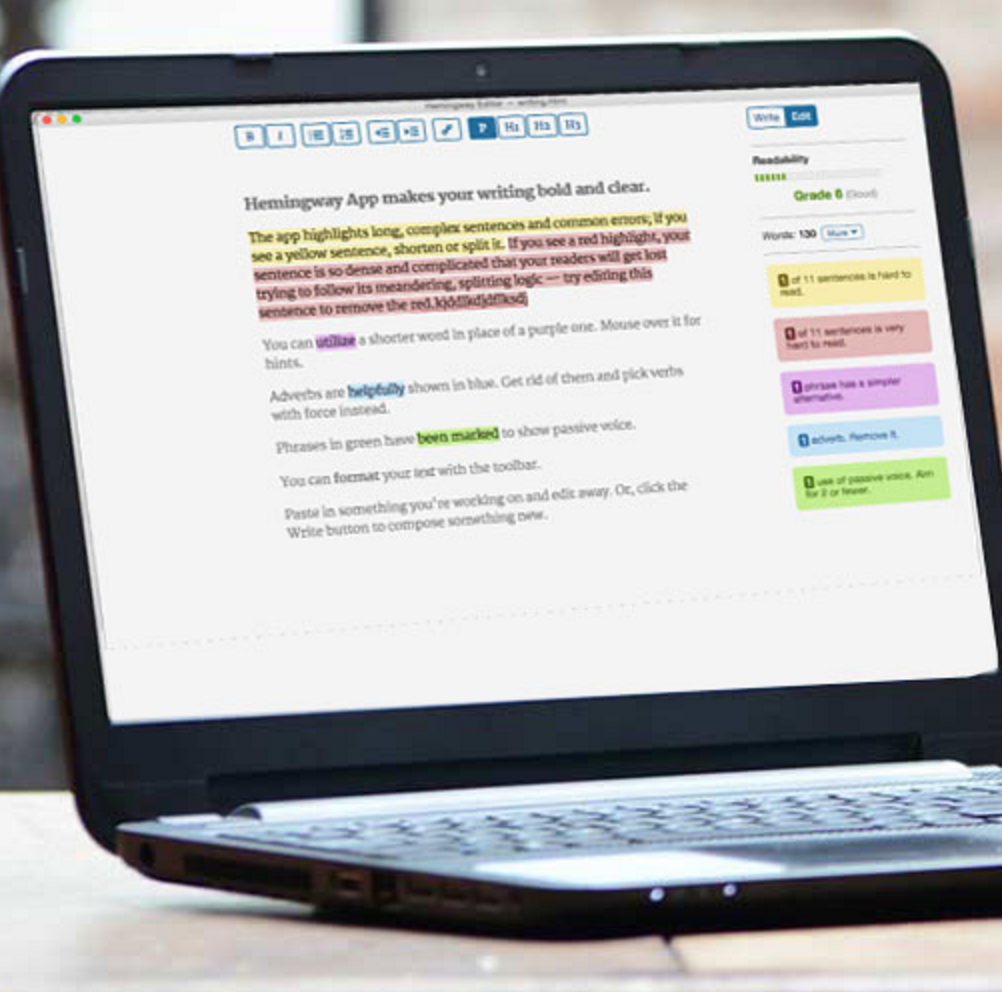
An editor that makes your writing bold and clear
2015 · hemingwayapp.com · its alternatives →
- 22
 Typefont▲288
An AI that recognizes the font of a text in a photo
2017 · github.com · its alternatives →
- 23
 WhatFont▲127
The easiest way to identify fonts on web pages.
2014 · chromewebstore.google.com · its alternatives →
- 24
 Find my Font▲179
Identify any free or commercial font with your camera!
2017 · findmyfont.com · its alternatives →
Also compare
Ranked by how close each launch is in meaning, then by votes. Prices were read from each product’s own site when checked and can change. Refine with your own description →