AI · alternatives · 2026

24 alternatives to SteelSpine
Local-first replay tool for debugging AI agents
Below are 24 products that do a similar job, ranked by how close each is in meaning and then by launch-day votes. Prices are shown for the 1 we have checked on their own sites, 1 of them free or with a free tier.
- 1

Automated Penetration Testing for AI-Built Apps
2021 · replay.io · its alternatives →
- 2
 TestSprite 1.0▲753
First AI agent automating entire software testing process
2025 · testsprite.com · its alternatives →
- 3

- 4
 Retracefree tier, from $29/mo▲101
Retrace records your AI agents runs so you can replay them step by step, fork from any point to a fix, and share the result as a link
Jul 2026 · retraceai.tech · its alternatives →
- 5

AI-powered chat & code review
2024 · chromewebstore.google.com · its alternatives →
- 6

Hi HN! We’re the team behind Fiddler, and we recently built an Agent Cache feature. It works by capturing an LLM request/response pair and, once caching is enabled, serving subsequent matching calls locally so duplicate requests never hit the provider. It’s meant to reduce three pains that show up together in agent development: token cost, feedback-loop latency, and output non-determinism. We’d love to hear your thoughts.
Aug 2026 · telerik.com · its alternatives →
- 7DA
Write a task in plain English. An AI agent runs it on a simulator on your Mac and tells you if a real user could complete it. Save the successful run as a regression check you can replay later.
Aug 2026 · app.deltix.ai · its alternatives →
- 8

- 9
 SkillForge▲102
Stop repeating the same clicks and typing every day. Record a task once and SkillForge turns it into a skill your AI assistant (Claude, ChatGPT) replays for you. No coding. Free to start.
Feb 2026 · skillforge.expert · its alternatives →
- 10
 AgenticLens▲64
Visual debugging, tracing, and replay for agent workflows
Apr 2026 · agenticlens.in · its alternatives →
- 11
 Skillkit▲252
It's an open-source project that lets you create, translate, and work with multiple agents at the same time, and more.
Feb 2026 · agenstskills.com · its alternatives →
- 12

🔥 Open Source Browser API for AI Agents & Apps. Steel Browser is a batteries-included browser sandbox that lets you automate the web without worrying about infrastructure. - steel-dev/steel-browser
2024 · github.com · its alternatives →
- 13

No one’s got money for another AI subscription. So we made our browser agent totally FREE. What's the catch? Just ads while Retriever AI fetches you leads, does your exams, applied to jobs, and sends connection requests. Think like a Claude Code or Clay level tool in your browser, but free for everyone! After 35K+ users and 7M+ workflows, we spent the last few months attacking the cost of every agent step: - switching to DeepSeek Flash - Code Mode to one shot complex workflows - optimizing for 80%+ token cache hits So that now just an ad impression covers the entire cost of the agent (LLM…
2025 · rtrvr.ai · its alternatives →
- 14

Hey HN! We’ve been building an MCP server to help AI-assisted web app developers by using browser agents to test whether changes made by an AI inside an editor actually work. We've been testing it on scenarios like verifying new flows in a UI, or checking that sending a chat request triggers a response. The idea is to let your coding agent both code and evaluate if what it did was correct. Here’s a short demo with Cursor: https://www.youtube.com/watch?v=_AoQK-bwR0w When building apps, we found the hardest part of AI-assisted coding isn’t the coding—it’s tedious point-and-click…
2025 · github.com · its alternatives →
- 15

Get 10x speed for building automations. AI copilot is here
2025 · agentcraft.pro · its alternatives →
- 16

I've been building computer-use tools for a while, and I quietly launched this about a month ago (122 Stars on GH). I figured it was worth sharing here. Over the last few months, a lot of computer-use agents have come out: Codex, Claude Code, CUA, and others. Most of them seem to work roughly like this: 1. Take a screenshot 2. Have the model predict pixel coordinates 3. Click x,y 4. Take another screenshot 5. Repeat That works, but it's slow, expensive in tokens, and fragile. If the UI shifts a few pixels, things break. And the model still doesn't know what any element actually is. But the…
May 2026 · github.com · its alternatives →
- 17

- 18
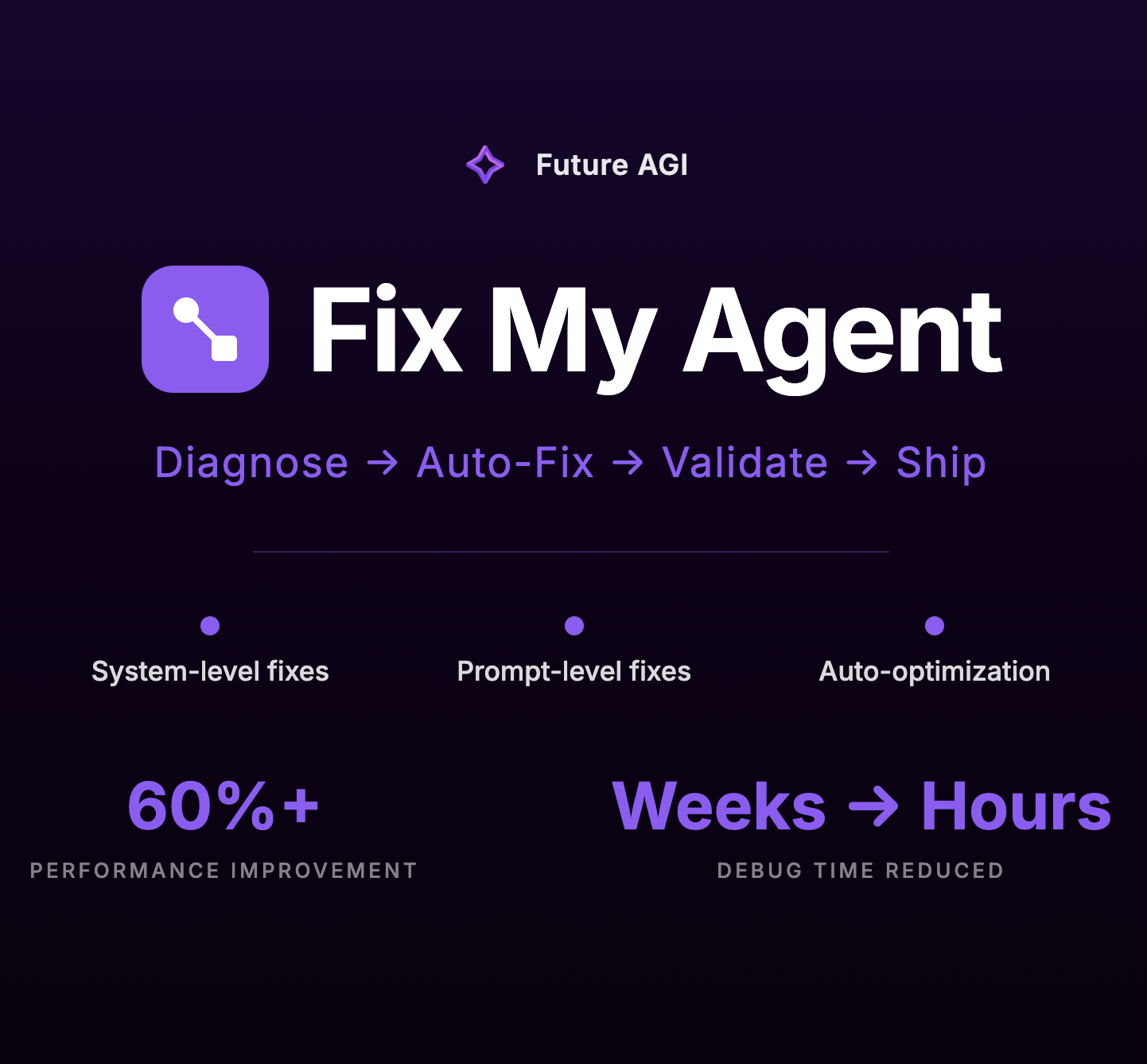
See what breaks your AI agent and fix it automatically
Jan 2026 · docs.futureagi.com · its alternatives →
- 19
 Glassbrain▲102
Visual trace replay for AI apps to fix bugs in one click
Apr 2026 · glassbrain.dev · its alternatives →
- 20

- 21
 Patchrooms▲92
Turn AI-app feedback into agent-ready patch context.
Jun 2026 · patchrooms.com · its alternatives →
- 22

We built HALO (Hierarchal Agent Loop Optimizer), an open-source tool for debugging and optimizing AI agents using their execution traces. It’s a loop. Run your agent, feed the traces to HALO, get the report, apply the fixes, then re-run your agent. HALO takes in OTEL compliant traces from AI agents using tracing frameworks such as Langfuse, Arize/OpenInference, or even just plain JSONL. It uses an RLM (Recursive Language Model) to more efficiently break trace analysis into smaller subproblems in order to find recurring patterns across large amounts of data and fix systemic issues that…
Jun 2026 · github.com · its alternatives →
- 23
 MarkdownMate▲32
Vibe Coding? Stop your AI Agent from guessing.
2025 · chromewebstore.google.com · its alternatives →
- 24

Hi Hacker News! We're launching Zalor, an agent testing platform. Agents often break when you tweak system prompts, swap models, or add tools. Zalor automatically generates test scenarios and evaluates your agent so you know it's reliable before deploying to production. We currently support the OpenAI Agents SDK and are onboarding other frameworks. A GitHub integration is coming so you can get feedback on every update. Looking forward to hearing feedback from people building agents.
Mar 2026 · agents.zalor.ai · its alternatives →
Also compare
Ranked by how close each launch is in meaning, then by votes. Prices were read from each product’s own site when checked and can change. Refine with your own description →