nowfound

Alternatives

Products that do what SuperSearch does

VS Code Find for Chrome

  1. 1

    Search and create code snippets on the cloud

    2019

  2. 2

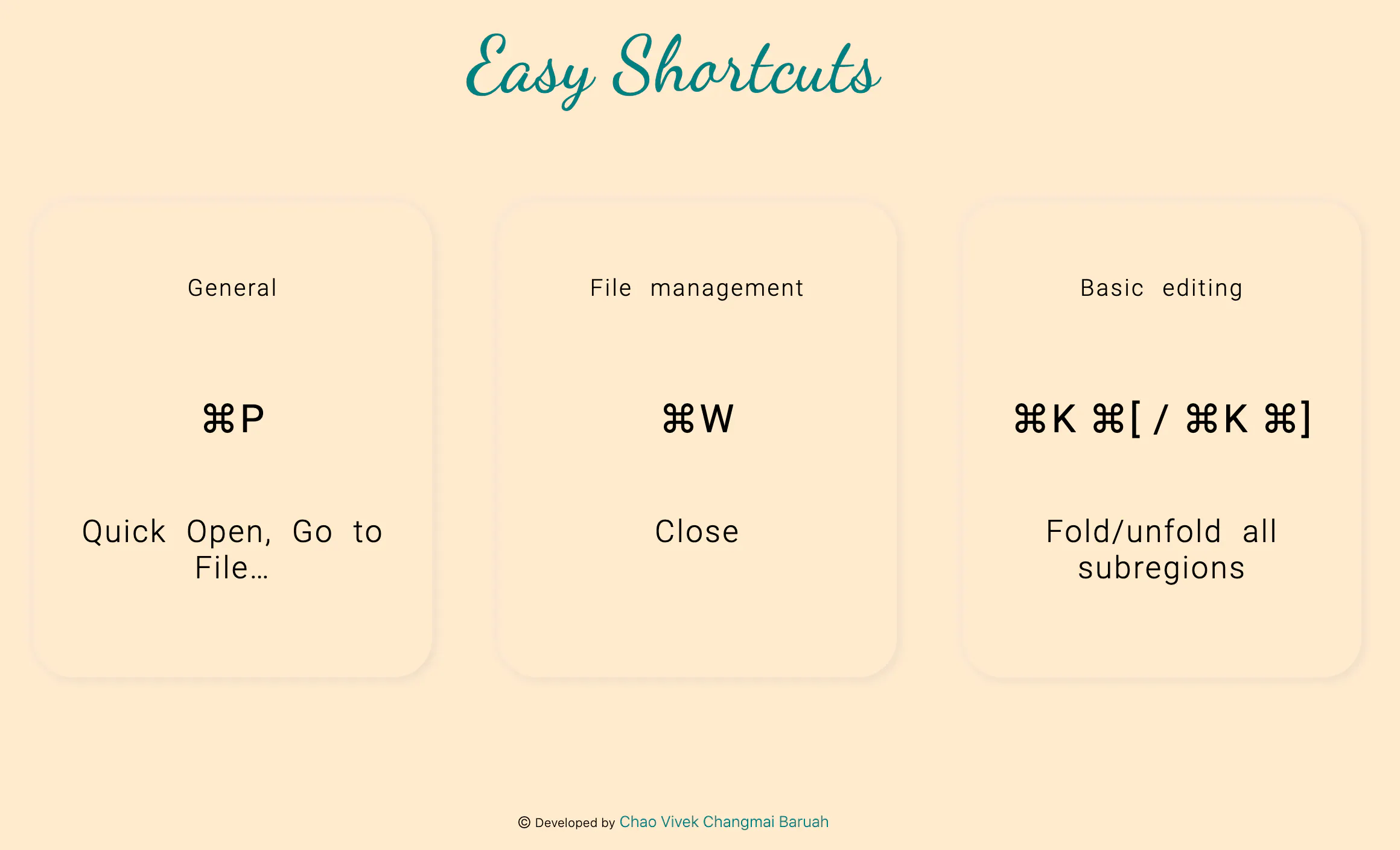
    A cheatsheet to help you remember keybinds for VSCode

    2020

  3. 3

    Let Claude see, click, type, and navigate in your browser

    Dec 2025

  4. 4

    Query programming languages using natural language!

    2020

  5. 5

    The ultimate search engine for GitHub repositories

    2024

  6. 6

    Find the code you need faster

    2019

  7. 7

    One-click bug reports straight from your browser

    2024

  8. 8
    Tabbs334

    Better tab navigation for Chrome

    2020

  9. 9

    Bringing VS Code to the browser

    2021

  10. 10

    Find the code you need faster

    2021

  11. 11

    Run code anywhere, with just a click 🖱️

    2019

  12. 12

    Search millions of open source repos without leaving the IDE

    2022

  13. 13
    WhenX 2.0145

    Take notes anywhere and see it beside search results.

    2020

  14. 14
    Synhix99

    Read Better in Color - Chrome Web Store

    2024

  15. 15AV

    I've developed a handy tool for Visual Studio Code that makes checking CSS compatibility very easy for developers. It provides instant feedback on syntax, keywords, types, and function compatibility. It even highlights deprecated, non-standard, and experimental features.

    2024 · github.com

  16. 16

    Powerful Ctrl+F alternative

    2025

  17. 17
    Knowstory140

    AI search bar Chrome extension for developer docs

    2023

  18. 18

    Page insights in a single click

    2023

  19. 19
    Jam API116

    Parse web pages using CSS query selectors

    2016

  20. 20

    Find competitors, identify prospects, research new markets

    2020

  21. 21

    Easiest way to capture and share code snippets on the web

    2019

  22. 22
    Save Code131

    Chrome Extension to save code snippets that work

    2020

  23. 23

    Search the content of all of your open tabs.

    2023

  24. 24
    Locus96

    AI-powered CTRL + F for quick document search on Chrome

    2023

Ranked by how close each launch is in meaning, then by votes. Refine with a description →