nowfound

Alternatives

Products that do what Tips for a lifetime Windows user switching to Mac does

Inspired by posts like this, I have distilled some of my knowledge how to use Mac OS for Windows users.

  1. 1

    Position macOS windows like a goddamn wizard ✨

    2020

  2. 2
    Switch135

    Keyboard-driven commands to navigate your apps faster

    2019

  3. 3

    Recommendation on when to buy Apple products

    2015

  4. 4

    A tiny window management app for the Mac

    2015

  5. 5

    Keyboard-driven commands to navigate your mac apps faster.

    2021

  6. 6

    Break down tasks & boost your productivity

    2016

  7. 7
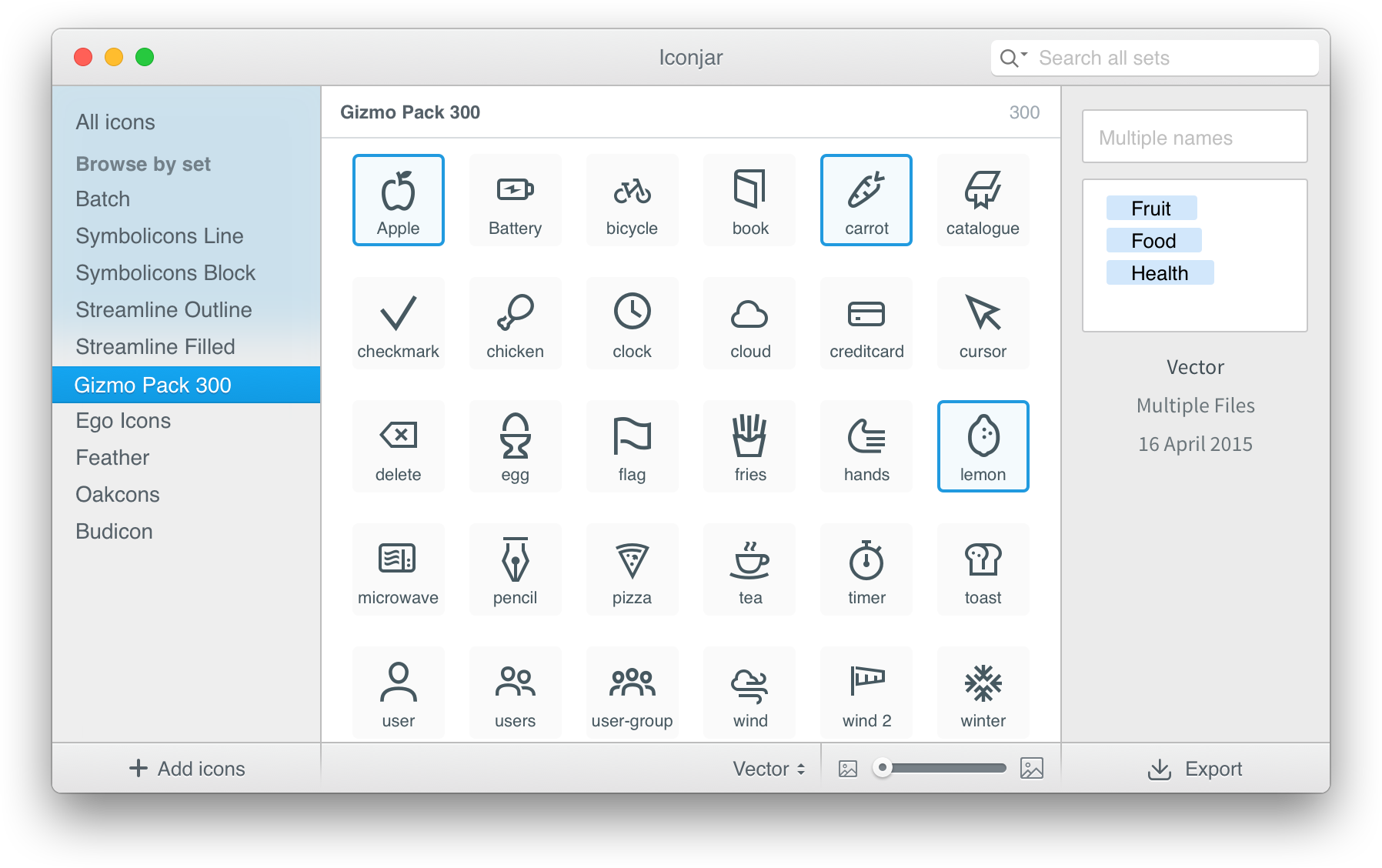
    Iconjar289

    Organize, search and use icons the easy way

    2015

  8. 8

    The guide that should be in the box with every new Mac

    2020

  9. 9
    Break143

    Reminders to take short breaks from your computer

    2016

  10. 10

    Powerful window manager application for Mac

    2019

  11. 11
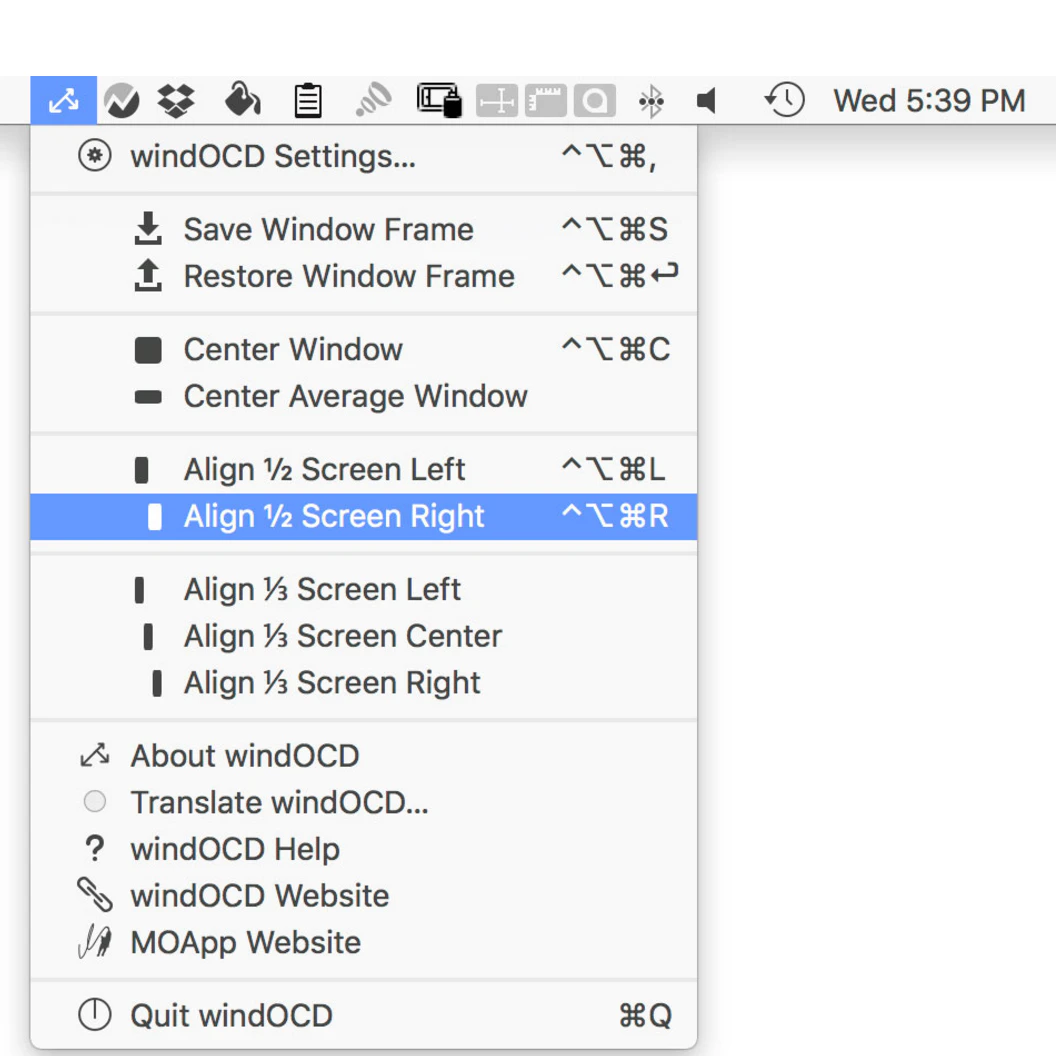
    windOCD88

    Put Mac windows in their places!

    2016

  12. 12

    All your notes, on all your devices

    2014

  13. 13

    Search your Desktop, Google Drive, Dropbox, Gmail, Evernote.

    2016

  14. 14

    Easiest way to resize and manage windows on your Mac.

    2015

  15. 15

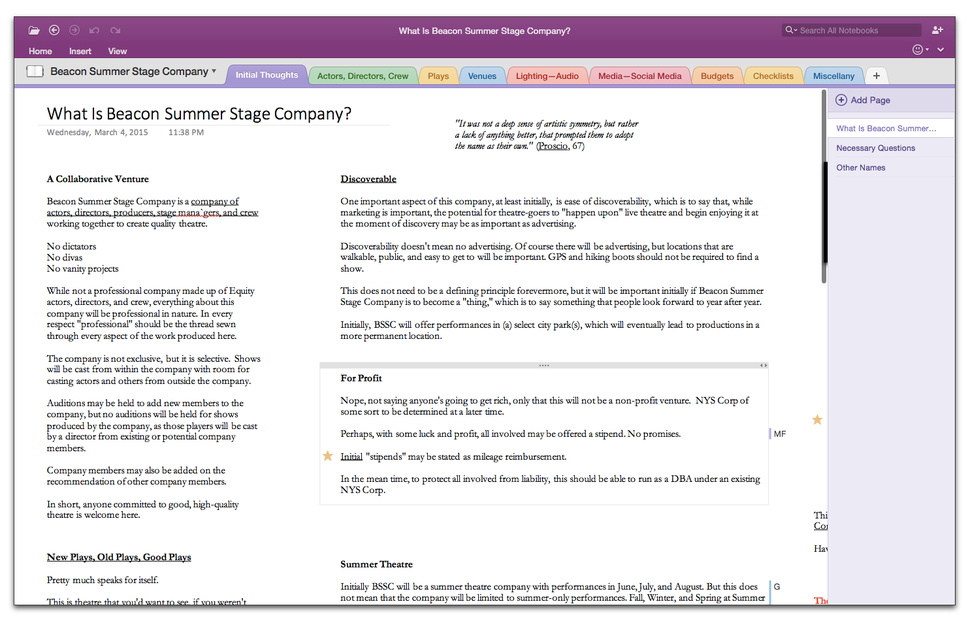
    Microsoft Office 2016 for Mac

    2015

  16. 16
    Wins156

    Bring system-level arrange window features to Mac

    2022

  17. 17

    The modern productivity suite designed for teams

    2015

  18. 18
    Snap115

    Effortless window management for power users on macOS

    2025

  19. 19
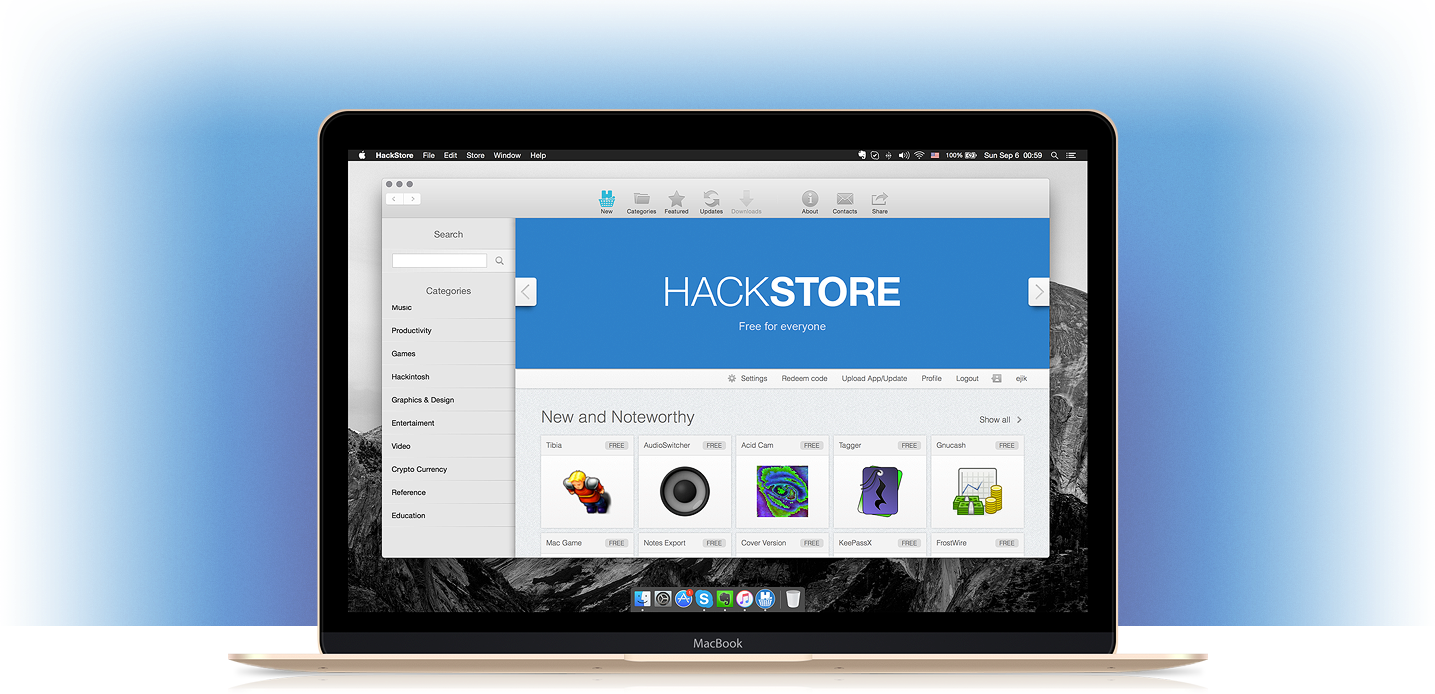
    HackStore138

    Discover, download and buy apps for your Mac

    2015

  20. 20

    Find the cost effective Macbook for your needs

    2019

  21. 21

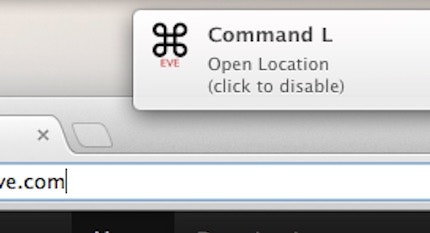
    Learn hot keys as you use your Mac

    2015

  22. 22

    The brand new OS for Mac

    2019

  23. 23

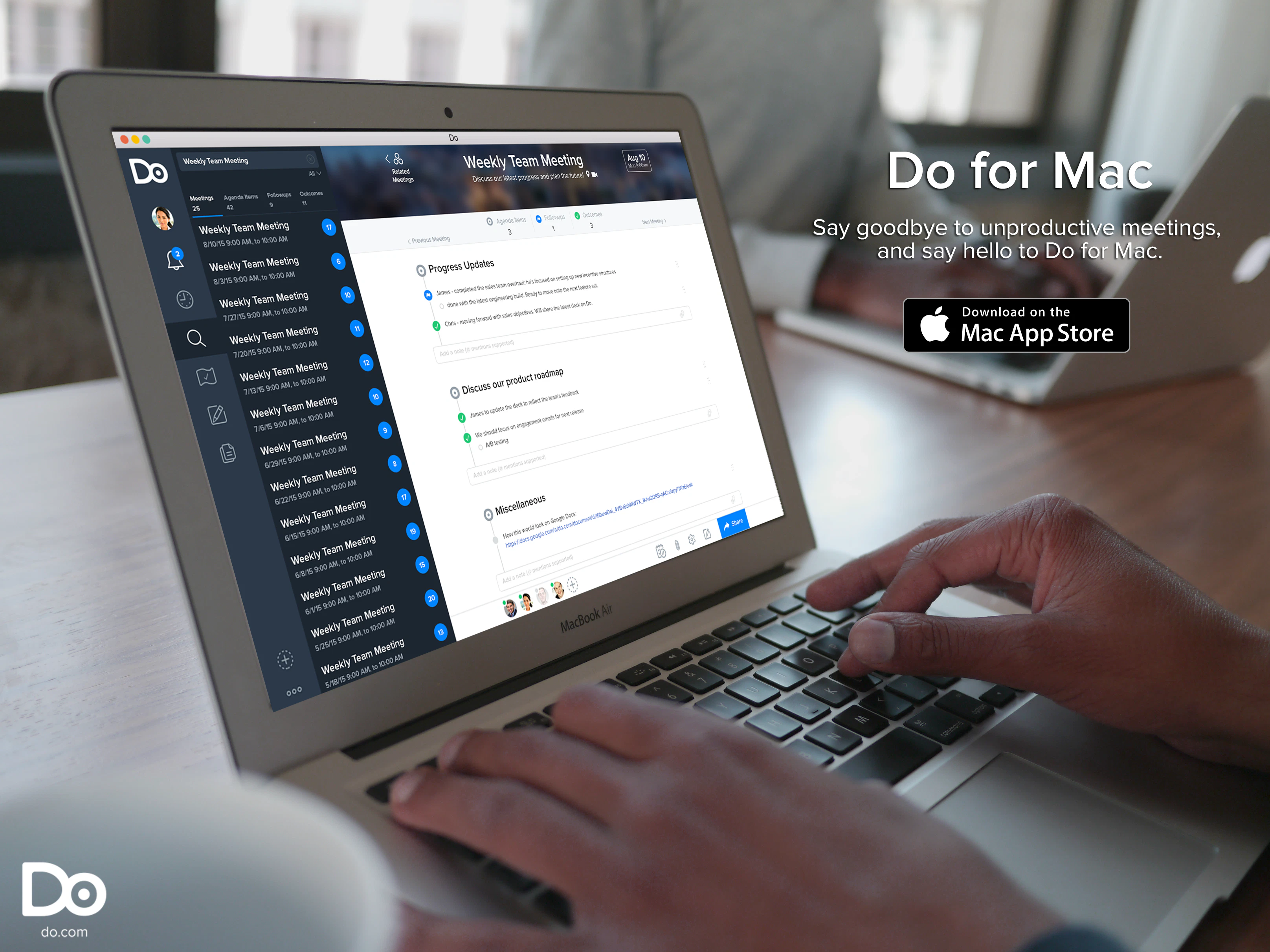
    Run productive meetings

    2015

  24. 24

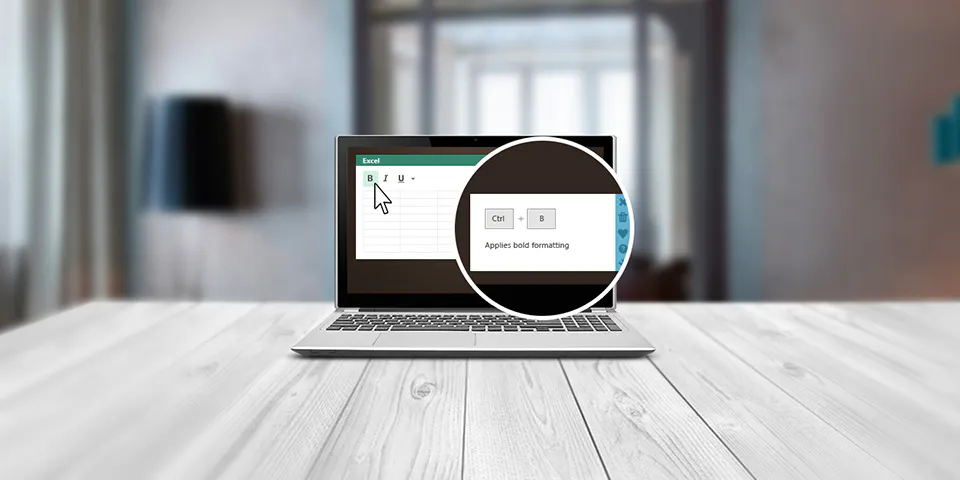
    Become a Shortcut Expert within weeks

    2014

Ranked by how close each launch is in meaning, then by votes. Refine with a description →