Alternatives
Products that do what TraceLine does
Extract line art from photos & edit — 100% local, no uploads
- 1
- 2
- 3
- 4
 CleanUp.Pictures▲755
Remove objects and defects from your pictures - 100% free
2021 · cleanup.pictures
- 5
- 6

- 7

- 8

- 9OT
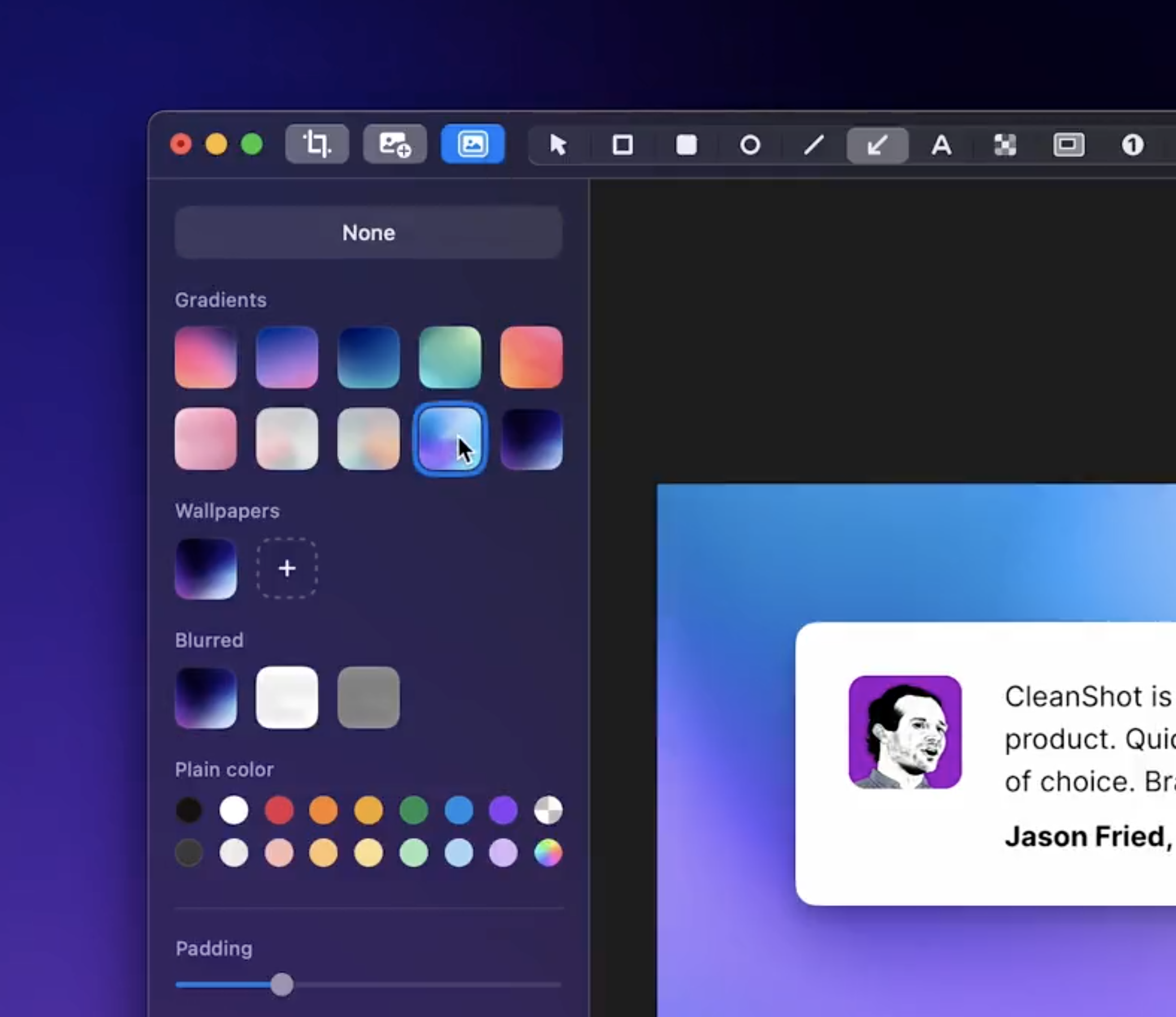
I've always had an issue with the screenshot flow on my computers. They save to the desktop by default and I can't seem to find screenshots easily when I needed it. They create too much clutter too. So I set out to solve this problem. My major concern was with privacy so I made sure to make it work entirely offline. Here's the final product, let me know what you think. - https://visionshot.app/
2020
- 10

- 11IM
I was fascinated by this [0] and this video [1]. After many struggles, I finally built this app that traces images using circles similar to what these videos had shown. The most challenging part (to me) is to find a way to convert images to vector lines. I had tried Potrace, but its output is not suitable for my use case: too many small elements share the same border. Potrace's goal is to represent the original image faithfully using vector lines. But I want to trace the image edges. After searching and trying some Potrace alternatives in vain, I finally found my keyword. Surprisingly (to…
2022 · phqb.github.io
- 12TT
I’ve been working on a project to bridge the gap between AI generation and my AxiDraw, and I think I finally have a workflow that avoids the usual headaches. If you’ve tried plotting AI-generated images, you probably know the struggle: generic tracing tools (like Potrace) trace the outline of a line, resulting in double-strokes that ruin the look and take twice as long to plot. What I tried previously: - Potrace / Inkscape Trace: Great for filled shapes, but results in "hollow" lines for line art. - Canny Edge Detection: Often too messy; it picks up noise and creates jittery paths. -…
Jan 2026 · github.com
- 13

- 14

- 15

- 16
- 17IT
Around 3 weeks ago, I came across a reddit post from someone who was looking to see if anyone was interested in taking over a 12-14 year old objective c app which hadn't been on the app store for many years. I responded and decided to do it. The app is called Painteresque. It lets you turn photos to charcoal drawings, paintings etc while doing all the processing locally on device: https://apps.apple.com/ca/app/painteresque-photo-to-sketch/i... The app is entirely free to use, has no ads, third party analytics, trackers, subscriptions or other junk. It does offer…
2025 · apps.apple.com
- 18
- 19OS
I'm excited to share my indie product, https://drawing.pics In this post, I'll share all the technical details behind it. So, what exactly is DrawingPics? It's an image-to-image and sketch-to-image generator that runs in a whiteboard, allowing you to draw your draft directly on the canvas and easily generate the desired image. How does it work from a technical perspective? TLDR: Miniconda + Diffusers + Electron + Excalidraw One of the most important aspects of creating this tool was finding a stable diffusion locally inference solution. There are many solutions available, such as…
2024 · drawing.pics
- 20
- 21
- 22ED
Hey HN! Plextract extracts datapoints from a line chart image so you can compare and collect data from publications without manual effort! Enjoy and leave feedback.
2024 · github.com
- 23HL
Hey all! I'm happy to announce we've finally released our 2nd macOS app, Draw Over It, a tiny desktop app that enables drawing, highlighting, or annotating directly on top of anything on your Mac. I've always wanted something like this for instant and unobtrusive sketching and annotation for pair programming and demos. I always found the standard web-based diagram and drawing tools a bit too cumbersome. So we built a simple overlay that could appear over any window or app with one shortcut. It doesn't collect any user data and doesn't require any system permissions - it's sandboxed. It all…
Oct 2025 · draw.wrobele.com
- 24

Ranked by how close each launch is in meaning, then by votes. Refine with a description →