Life & fun · alternatives · 2026

24 alternatives to WhatTheFont!
Upload an image and find the closest font match
Below are 24 products that do a similar job, ranked by how close each is in meaning and then by launch-day votes. WhatTheFont! launched in 2015; newer entries below may have overtaken it.
- 1
 WhatTheFont▲433
Shazam for fonts! Identify fonts with your camera.
2017 · myfonts.com · its alternatives →
- 2
- 3
 WhatFont▲127
The easiest way to identify fonts on web pages.
2014 · chromewebstore.google.com · its alternatives →
- 4
- 5
- 6

Discover great fonts through themes.
2014 · typography.com · its alternatives →
- 7
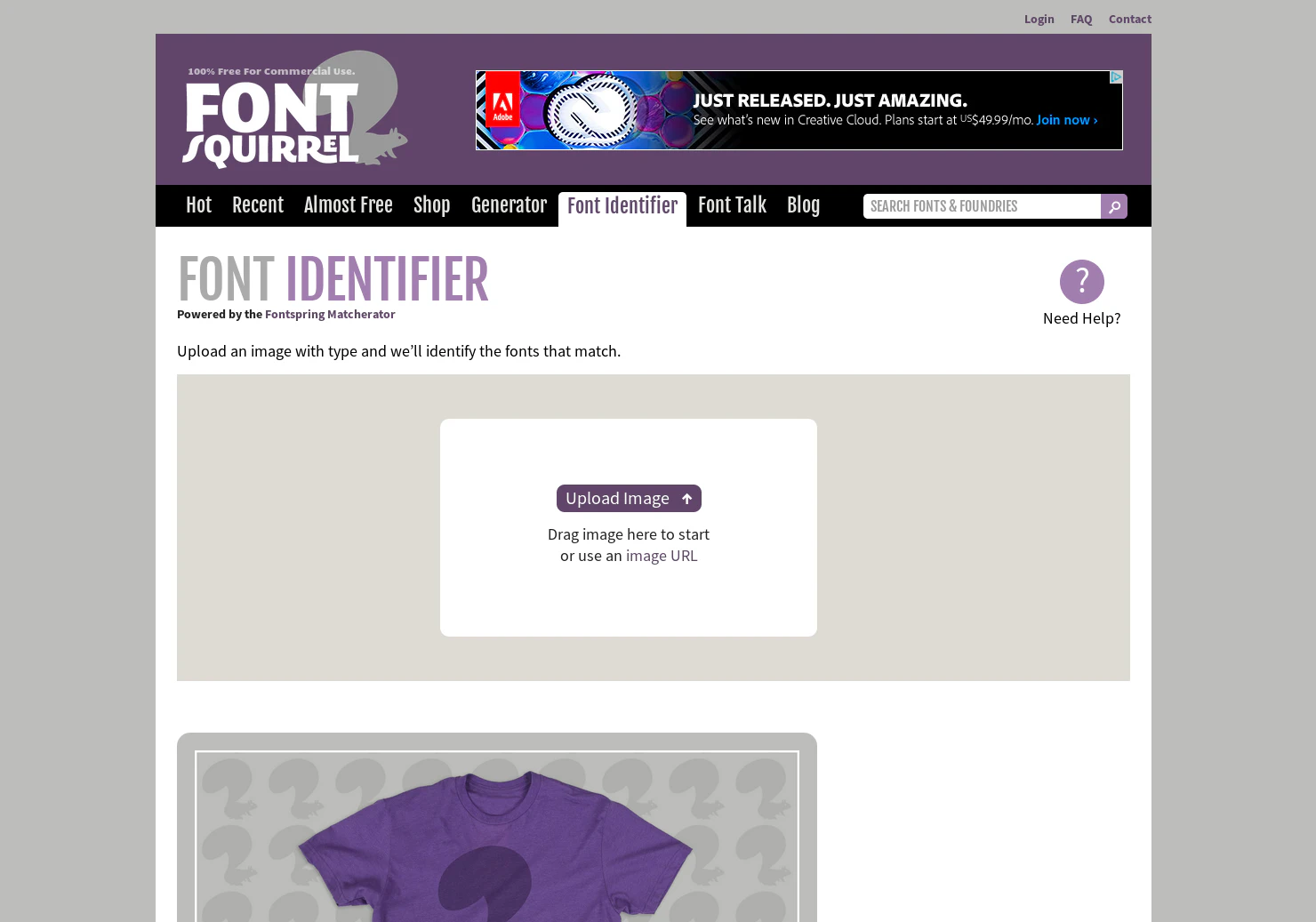
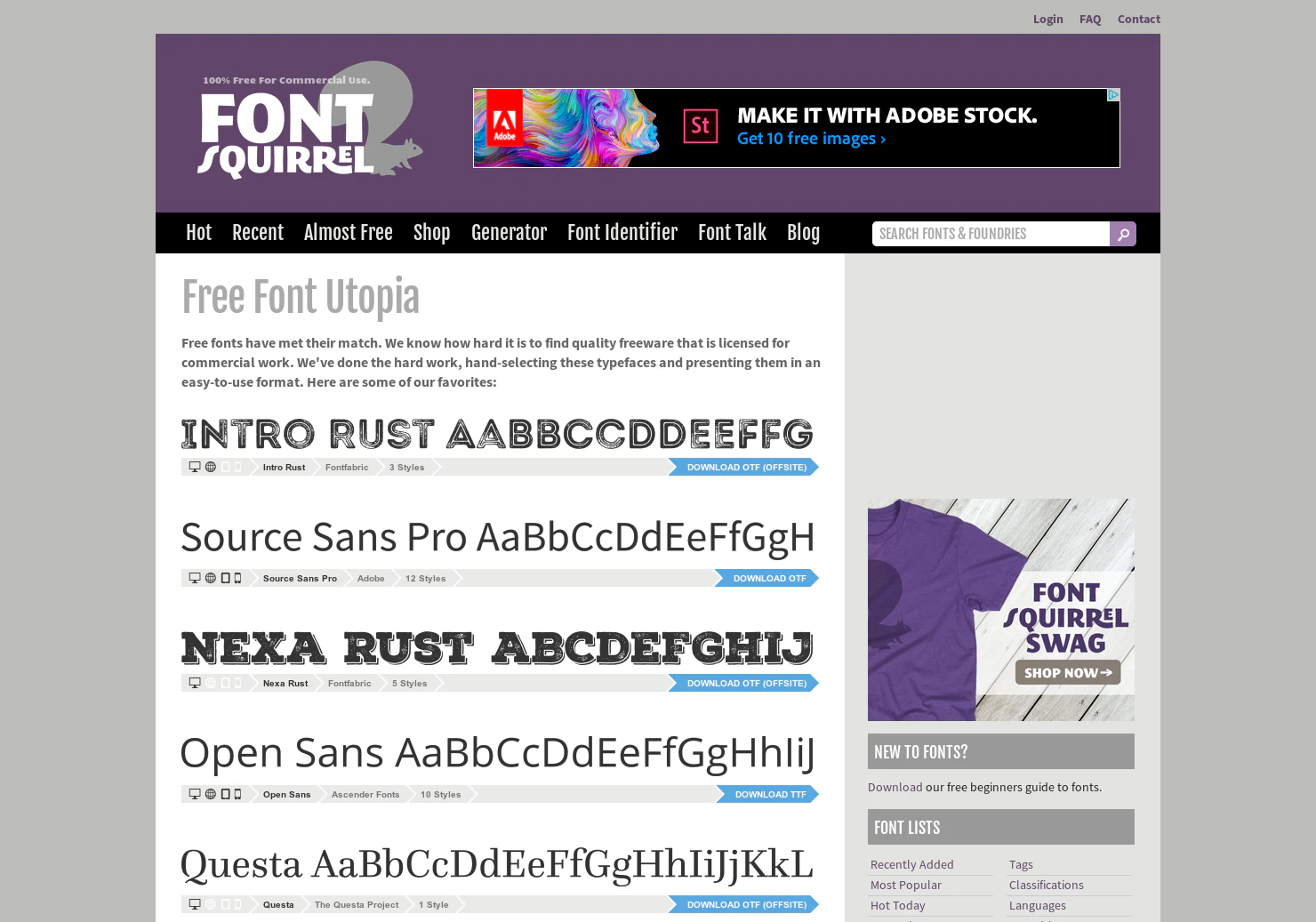
Upload an image with type & get the font identified
2016 · fontsquirrel.com · its alternatives →
- 8

Upload an image and find the closest free Google Font match.
May 2026 · serbyte.net · its alternatives →
- 9
- 10
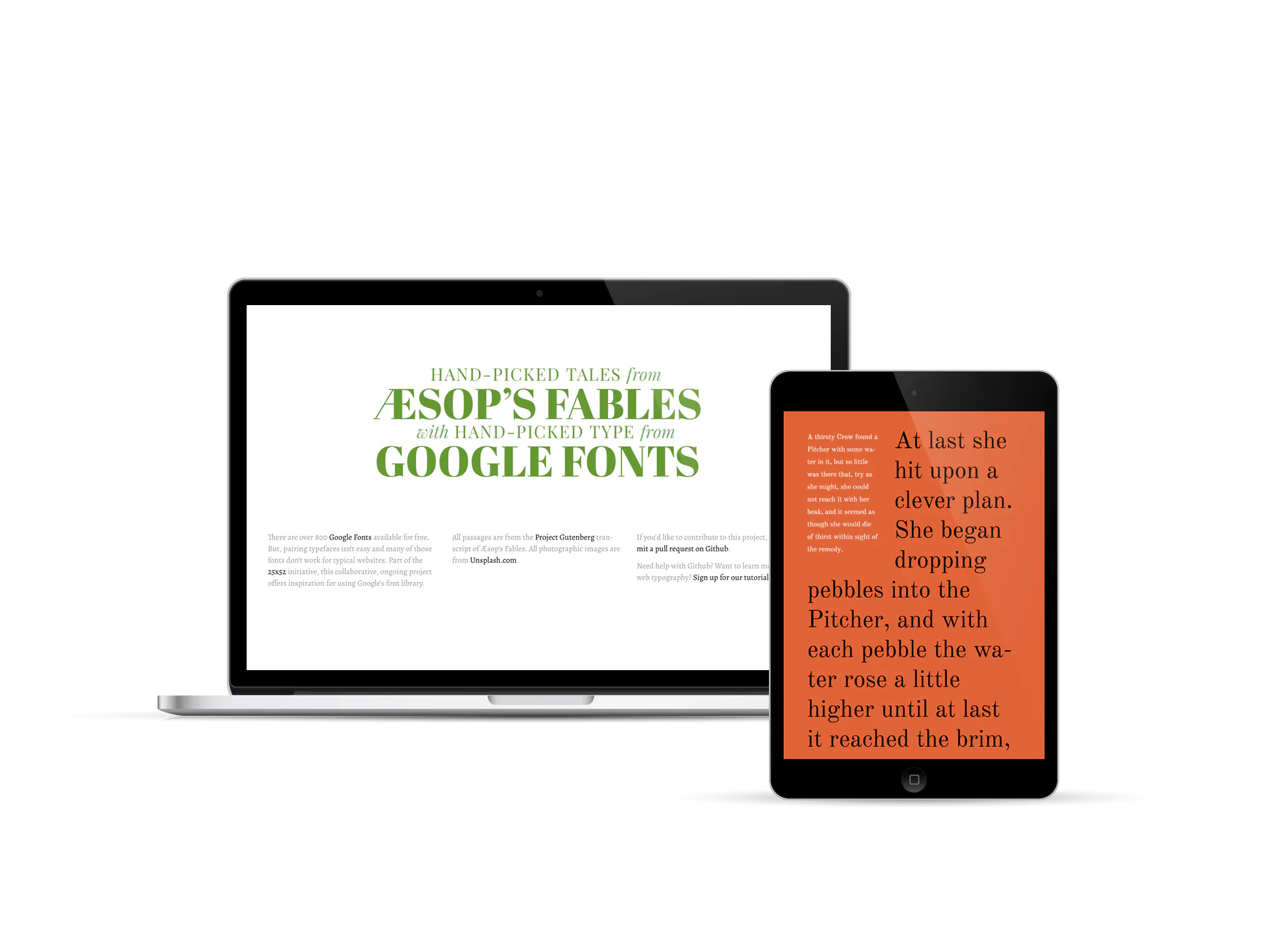
Offers inspiration for using Google’s font library
2014 · femmebot.github.io · its alternatives →
- 11
 Fontstand▲144
Try fonts for free or rent them by the month for desktop use
2015 · fontstand.com · its alternatives →
- 12

- 13
- 14
 Fonts In Use▲103
Type in the real world: an amazing archive of typography.
2014 · fontsinuse.com · its alternatives →
- 15
- 16
 Type Detail▲120
A detailed look at fonts (e.g. Apple's new "San Francisco")
2015 · typedetail.com · its alternatives →
- 17
 What Font Is▲353
Find any font from any image (commercial or free)-WhatFontIs
2019 · whatfontis.com · its alternatives →
- 18
- 19
 Share As Image▲131
Create micro-content, add text and your logo to any image
2014 · its alternatives →
- 20

right click any image on the web and Google image search it
2014 · chromewebstore.google.com · its alternatives →
- 21
- 22

- 23
 fonticons▲113
Web fonts made easy from the makers of Font Awesome
2014 · fortawesome.com · its alternatives →
- 24
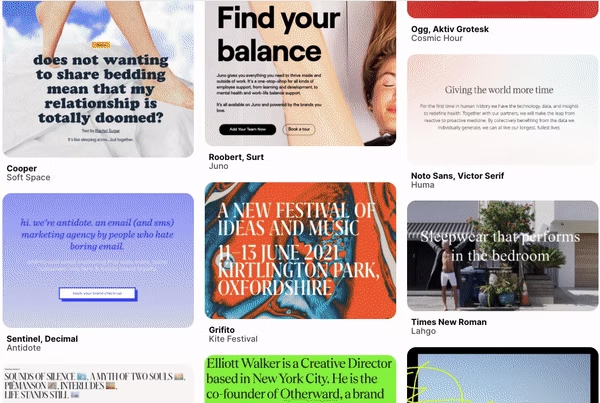
Find the perfect free or paid font for your next project ✨
2020 · fontsinthewild.com · its alternatives →
Also compare
Ranked by how close each launch is in meaning, then by votes. Prices were read from each product’s own site when checked and can change. Refine with your own description →