
24 free alternatives to ScreenTime
Quickly show your macOS desktop during a FaceTime video call.
Below are 24 products that do a similar job and cost nothing to start: 14 free outright and 10 with a free plan and paid upgrades. Each price was read from the product's own site. They are ranked by how close each is in meaning, then by launch-day votes.
- 1
 ScreenFree plan, paid from $25/mo▲406
Work together like you’re in the same room. Supports Mac, Windows, Linux, iOS, Android, Safari, Firefox & Chrome.
2020 · screen.so · price checked October 2026
- 2
 Screen Studio 3.0Free▲1,832
Screen Studio 3.0 is a screen recording tool that captures video and generates instant shareable links.
2025 · screen.studio · price checked September 2026
- 3
 Fed up with WebEx, so we built a way to screenFree plan, paid from $15/mo▲402
Free screen sharing using Screenleap. The fast, simple, and free way to share your screen instantly for online meetings, sales demos, and collaboration.
2012 · screenleap.com · price checked October 2026
- 4

Mirror a portion of your screen to a virtual monitor for easier screen sharing.
2024 · github.com · price checked November 2026
- 5
 ScreenVeilFree plan▲86
Hide what shouldn’t be seen on your computer
May 2026 · apps.apple.com · price checked November 2026
- 6
 Screen Sharing in the BrowserFree▲219
Screen Sharing in the Browser is a web application that enables users to share their screens in real time.
2024 · github.com · price checked November 2026
- 7
 CapsterFree plan, paid from $4/mo▲83
Capture your screen and share it instantly (macOS)
2023 · capster.io · price checked November 2026
- 8
 MacOS Live ScreensaverFree▲65
Use live streams as screensavers/lock screens on MacOS
2025 · github.com · price checked November 2026
- 9
 CapsoFree▲252
Free open-source screenshot & screen recorder for Mac
Apr 2026 · awesomemacapp.com · price checked November 2026
- 10
 Zone ShareFree plan▲99
Mirror part of your screen to a window for precise control
2025 · apps.apple.com · price checked November 2026
- 11
 ScreenBuddyFree plan, paid from $49.99/mo▲79
ScreenBuddy turns a real screen recording into a launch film — scenes, brand templates, auto-zoom, local captions. Mac & Windows. Try free; $49.99 once.
Apr 2026 · screenbuddy.xyz · price checked September 2026
- 12
 ScreenTreatFree plan▲240
Turn ScreenTime into positive motivation for kids
2025 · apps.apple.com · price checked November 2026
- 13
 ScreenLinkFree plan, paid from $10.80/mo▲110
ScreenLink is an open-source Loom alternative that allows you to record and share your screen with ease using our desktop app.
2023 · screenlink.io · price checked November 2026
- 14

- 15

Free Screen Share Party App - Share Movies Videos YouTube Games - No Install No Registration Browser WebRTC E2EE BA.net screencast broadcast audiocast conference meeting online podcasting videocasting webminars livestream youstream
2020 · ba.net · price checked October 2026
- 16
 Pocket ScreenFree plan, paid from $2.99/mo▲207
Keep any Mac window visible in a floating mini screen
Jul 2026 · labs.toybird.com · price checked November 2026
- 17
- 18
 HushFree▲142
Blur your messy desktop to hide it during screen sharing
Feb 2026 · poteam.pro · price checked November 2026
- 19
 MoFace for MacOSFree▲98
A live cam app to feature yourself
2025 · mofaceapp.com · price checked November 2026
- 20

A tiny macOS app that floats a webcam bubble on your screen for screen recordings and demos.
Mar 2026 · github.com · price checked November 2026
- 21

Record Screen or Window with Face Cam
Aug 2026 · freescreenrecorder.onl · price checked September 2026
- 22
 Screenleap for WebsitesFree plan, paid from $15/mo▲138
Screenleap for Websites allows you to easily add live interaction to your website without coding.
2022 · screenleap.com · price checked November 2026
- 23
 QuackScreenFree▲97
Capture, drag, share all from the MacBook notch
Jun 2026 · quackscreen.com · price checked November 2026
- 24

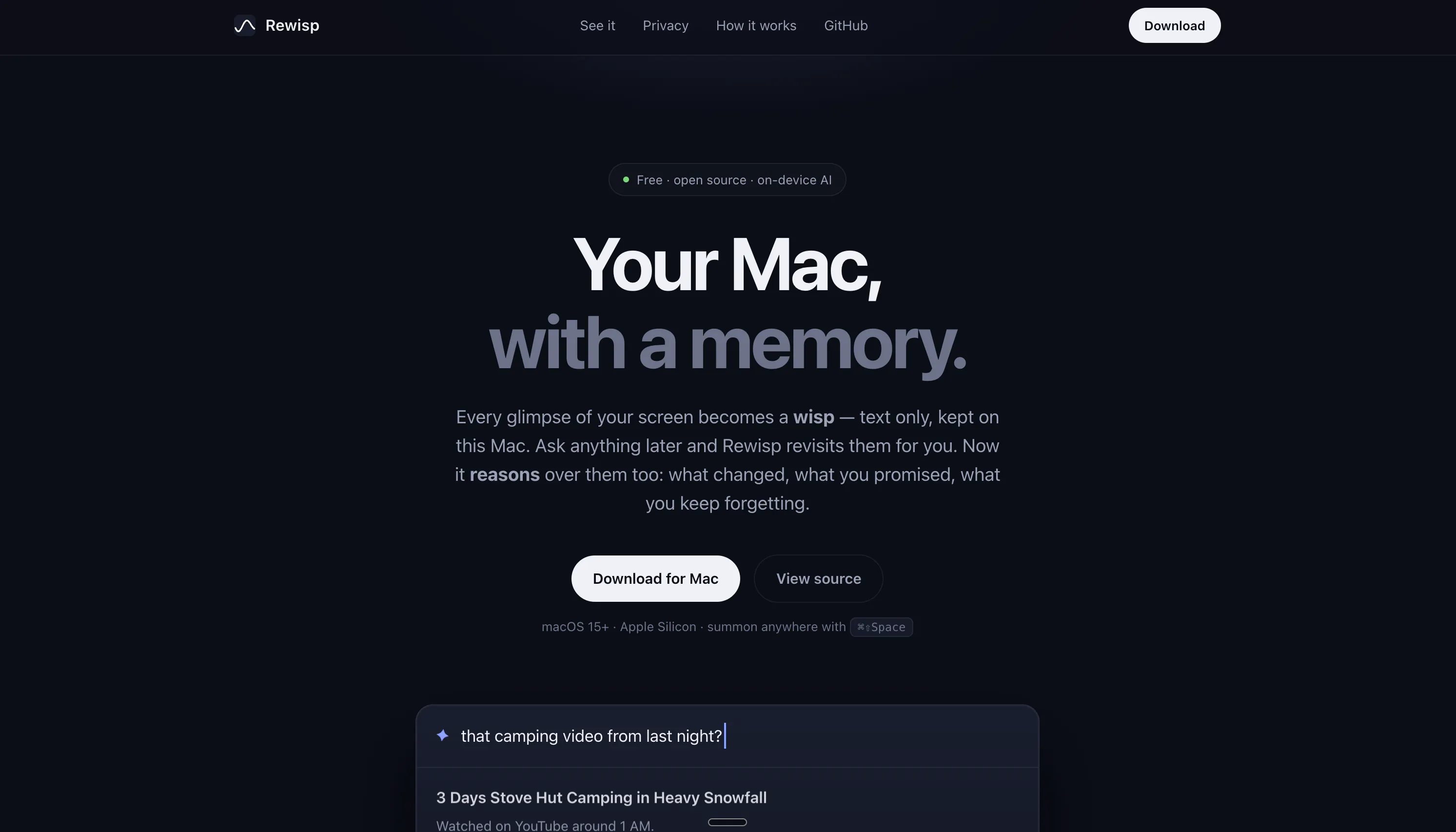
It's a macOS menu bar app that reads the text of your focused window every few seconds through the Accessibility API. No screenshots, no video, or OCR. It writes plain markdown, one file per day, into a folder you choose. Point Claude Code (or anything with file access) at the folder and ask "what did I work on Tuesday?" or have it build memory about your projects. The folder contains an AGENTS.md explaining the format to the model. Thought it might be useful for someone so chucked it up on GitHub
Aug 2026 · github.com · price checked November 2026
Free tools by topic
All alternatives to ScreenTime, paid too →About ScreenTime →
Free means the product’s own site says it is free or offers a free plan, as read on the date shown. Plans change; check the site before you rely on one.