
Project Naptha
Highlight, copy and translate text in any image (Chrome)
Project Naptha launched on April 23, 2014 with 82 votes, #243 of 1,174 launches that month and more than 50% of that year's launches. The site was still online in September 2026, 12 years on.
What it does
Project Naptha automatically applies state-of-the-art computer vision algorithms on every image you see while browsing the web. The result is a seamless and intuitive experience, where you can highlight as well as copy and paste and even edit and translate the text formerly trapped within an image. Words on the web exist in two forms : there’s the text of articles, emails, tweets, chats and blogs— which can be copied, searched, translated, edited and selected— and then there’s the text which is shackled to images, found in comics, document scans, photographs, posters, charts, diagrams, screenshots and memes. Interaction with this second type of text has always been a second class experience…from projectnaptha.com
Does a similar job
all alternatives → Screenshot Reader by Docsumo2021 · docsumo.com · ▲147
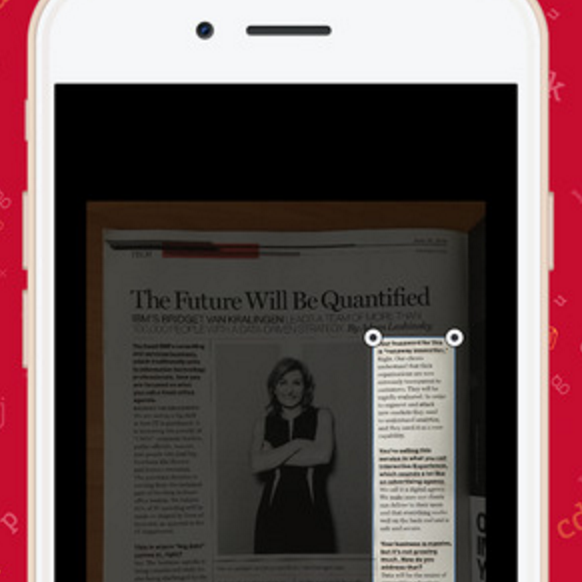
Convert & translate screenshots into editable text instantly
 Text To Image2022 · chromewebstore.google.com · ▲245
Instantly generate image from the text selection in a snap


More work this month
the category →
Endless lofi beats composed live in your browser, over pixel-art nights in Paris, Tokyo, New York, Hong Kong, Sydney, San Francisco and more. Free, no sign-up.
Work · 24d ago · loficities.com
 Smooth Recorder▲257
Mac screen recordings that look edited when you hit stop
Work · 18d ago · smoothrecorder.com


Work · 12d ago · readrare.com
Source: Product Hunt launch ↗
Launched alongside, April 2014
the whole month →- UA
Life & fun · 2014 · alex.nisnevich.com

GitBook is a knowledge platform that connects your docs, product and users, answers user questions, and identifies knowledge gaps. Docs-as-code support & AI insights included.
AI · 2014 · gitbook.io
- SP
Life & fun · 2014 · stefanom.org


- BA
Life & fun · 2014 · betatype.io