
TimeBarX
Stop checking the time. Start seeing it.
TimeBarX launched on June 16, 2026 with 4 votes, #3,322 of 22,647 launches that month and more than 75% of that year's launches.
What it does
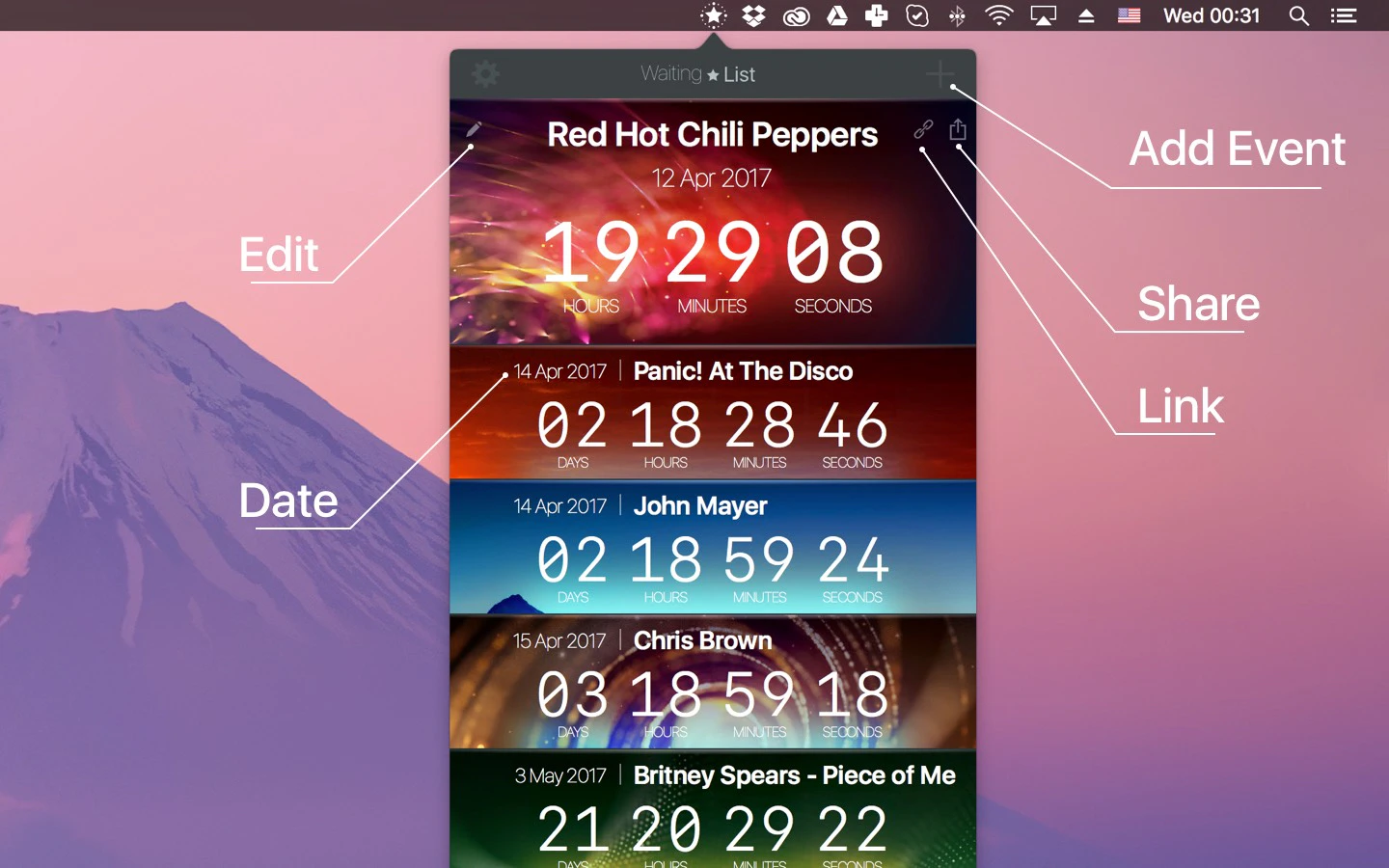
Most Mac timers hide behind a click. TimeBarX turns your menu bar into a live countdown, with a progress bar visible across every display so you always know how much time is left without breaking focus. Type timers naturally, automate with Shortcuts, Alfred, and Raycast, and resume perfectly after restarts. Zero tracking, no account, no subscriptions. Free forever, Launch month: Pro $2.99 ($5.99 after).
A smooth countdown bar that lives in your menu bar. 60 fps, multi-display, free to use, Pro to customize. No subscriptions, no tracking.
TimeBarX turns your Mac menu bar into a living progress bar, always in view, never in the way. Set a timer in seconds and get back to work. Most timers disappear behind windows, hide in the Dock, or make you reopen an app every few minutes. Drag the slider for a quick countdown, or with Pro just type something like "25 min deep work" and hit start. No windows to manage, no settings maze. Everything you need is one click from the menu bar. Set the duration with one slider, pick a color, and press Start. No dialogs to dig through — the whole thing fits in a single glance. Pause, clear, or add another — each keeps its own color and countdown. The menu bar shows one at a time and switches on a…from gettimebarx.com
Does a similar job
all alternatives →
 my new app Timebar has a clever UI (I think)2013 · whimsicalifornia.com · ▲81
Howdy, gang; After almost two weeks of sitting in Apple's approval queue, my new app Timebar is finally available. I think it has a pretty innovative UI feature, so I wanted to float it by Hacker News. It's a timer app that turns your Mac's menu bar into a sort of virtual hourglass. Your menu bar starts out tinted blue (or whatever colour you pick) and it slowly drains from right-to-left until your time is up. It works very well for situations where you want to keep track of time, but don't need to be super precise. The menu bar is easy to glance up at, and it doesn't take long to happen…
 Progress Bar OSX2018 · progressbarosx.com · ▲644
This is your life and it's ending ⏳ one minute at a time
 Touch Bar Timer2018 · touch-bar-timer.alexzirbel.com · ▲186
A little stopwatch for your Mac's touch bar

More work this month
the category →
Endless lofi beats composed live in your browser, over pixel-art nights in Paris, Tokyo, New York, Hong Kong, Sydney, San Francisco and more. Free, no sign-up.
Work · 25d ago · loficities.com
 Smooth Recorder▲257
Mac screen recordings that look edited when you hit stop
Work · 19d ago · smoothrecorder.com


Work · 13d ago · readrare.com
Source: Product Hunt launch ↗
Launched alongside, June 2026
the whole month → Fundraisly▲1,537
AI fundraising agent that finds investors and books meetings
AI · Jun 2026 · fundraisly.com
 Homebrew 6.0.0▲1,481
Today, I’m proud to announce Homebrew 6.0.0. The most significant changes since 5.1.0 are a new tap trust security mechanism, the new faster, smaller, default internal Homebrew JSON API, sandboxing on Linux, better defaults informed by our user survey, many brew bundle improvements, improved performance and initial support for macOS 27 (Golden Gate). Happy to discuss any questions here!
Dev tools · Jun 2026 · brew.sh

Hi HN! I was super frustrated at apps like tiktok and wechat preventing me from saving or downloading the animated gifs, so I made a little tool to turn a screen recording into a slack-sized emoji. Hope you get some value from this!
Life & fun · Jun 2026 · vorpus.github.io


Search 18 years of Hacker News and chart how any topic, tool, or person trended. Overlay terms to compare their rise and fall across 45M posts and comments.
Life & fun · Jun 2026 · hackernewstrends.com