Alternatives
Screenshot: http://i.imgur.com/z1dfU.png EdgeCase: http://itunes.apple.com/us/app/edgecase/id513826860?ls=1&mt=12 I made this app to solve the biggest annoyance I have with using multiple monitors. EdgeCase stops your mouse at the screen edge, even when you are using multiple monitors. When you do want to move between screens, you can do so by holding [ctrl] or [⌘], dwelling for 1/2 second, or 'bouncing' on the edge. In-depth description below...
1 Dock windows to the edge of your screen
2020
2 Working with multiple monitors made right.
2018
3 Noise-cancelling for your screen now with cursor shake
Dec 2025
4 Position macOS windows like a goddamn wizard ✨
2020
5 Keep your workspace organized
2015
6 One shortcut to control your dual monitors instantly
2025
7 Focus on one app by dimming all the background windows
2015
8 Use your iPad as a second display for your Mac
2014 · duetdisplay.com
9 Keep any Mac window visible in a floating mini screen
Jul 2026 · labs.toybird.com
10 Switch focus across displays just by hovering
Sep 2025
11 Control your Mac using head movements
2020
12 Easiest way to resize and manage windows on your Mac.
2015
13 Improve the new MacBook Pro notch
2021
14 Knock on your MacBook to control your Mac
Mar 2026
15 Safely share your screen with one click
2020
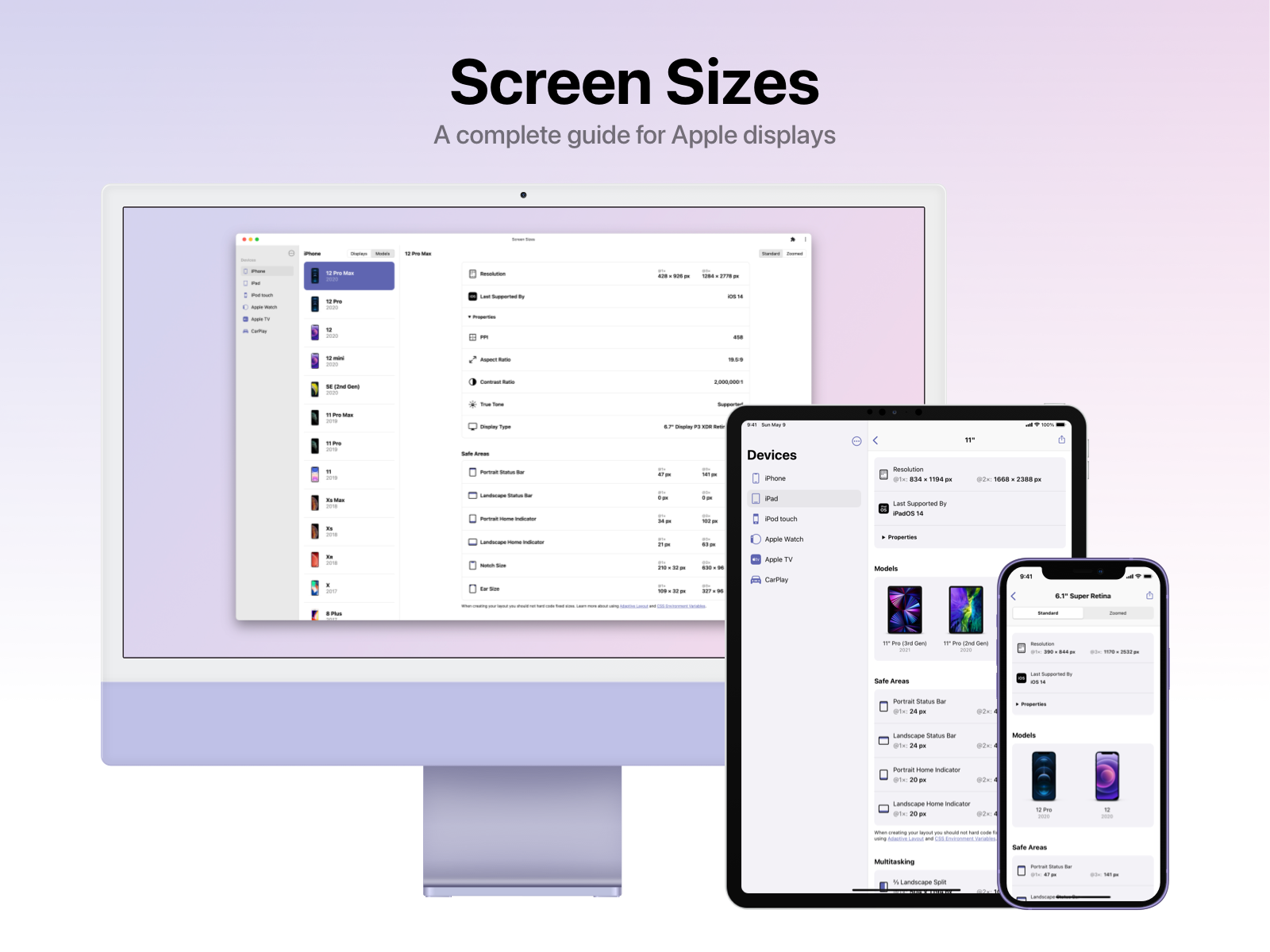
16 A complete guide for Apple displays
2021
17 Mirror part of your screen to a window for precise control
2025
18 Cursor movement window snapping on macOS
2020
19 Turn your Mac's top edge into a hidden command center
Mar 2026
20 Remember those DVD screensavers?
2017
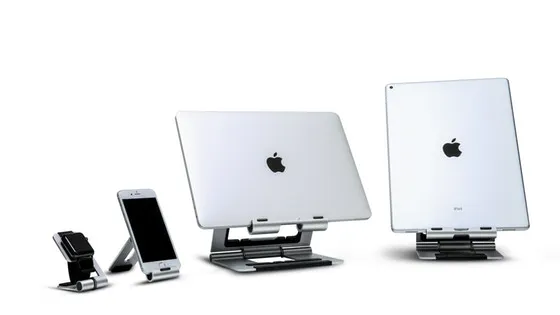
21 Work, play, and view your Macbook with ease.
2018
22 Blank your screens at the click of your mouse.
2017
23 Your window tiling command center for macOS
2025
24 The complete toolbox to manage your monitors
2016
Ranked by how close each launch is in meaning, then by votes. Refine with a description →
NowFound indexes public launch announcements and links back to each source. Listings are removed on a maker's request, same day. A PixelGrab project.