Life & fun · alternatives · 2026

24 alternatives to Free Folder Locker
lock,folder,app,software,free
Below are 24 products that do a similar job, ranked by how close each is in meaning and then by launch-day votes. Free Folder Locker launched in 2022; newer entries below may have overtaken it.
- 1

- 2

Lock and Password Protect your files and folders
2024 · file-folder-locker.arpimi.com · its alternatives →
- 3

- 4
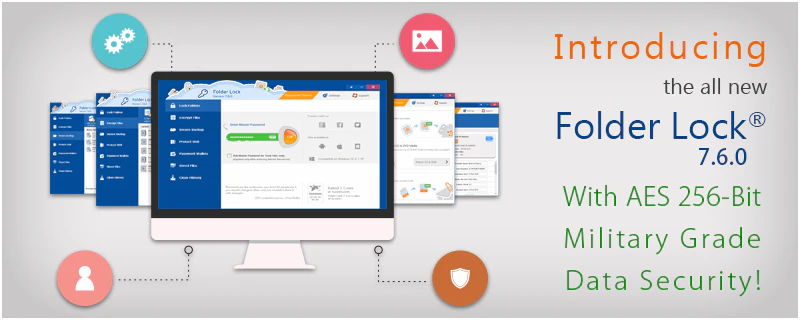
Folder Lock - Lock files, Encrypt and Backup
2016 · newsoftwares.net · its alternatives →
- 5
- 6

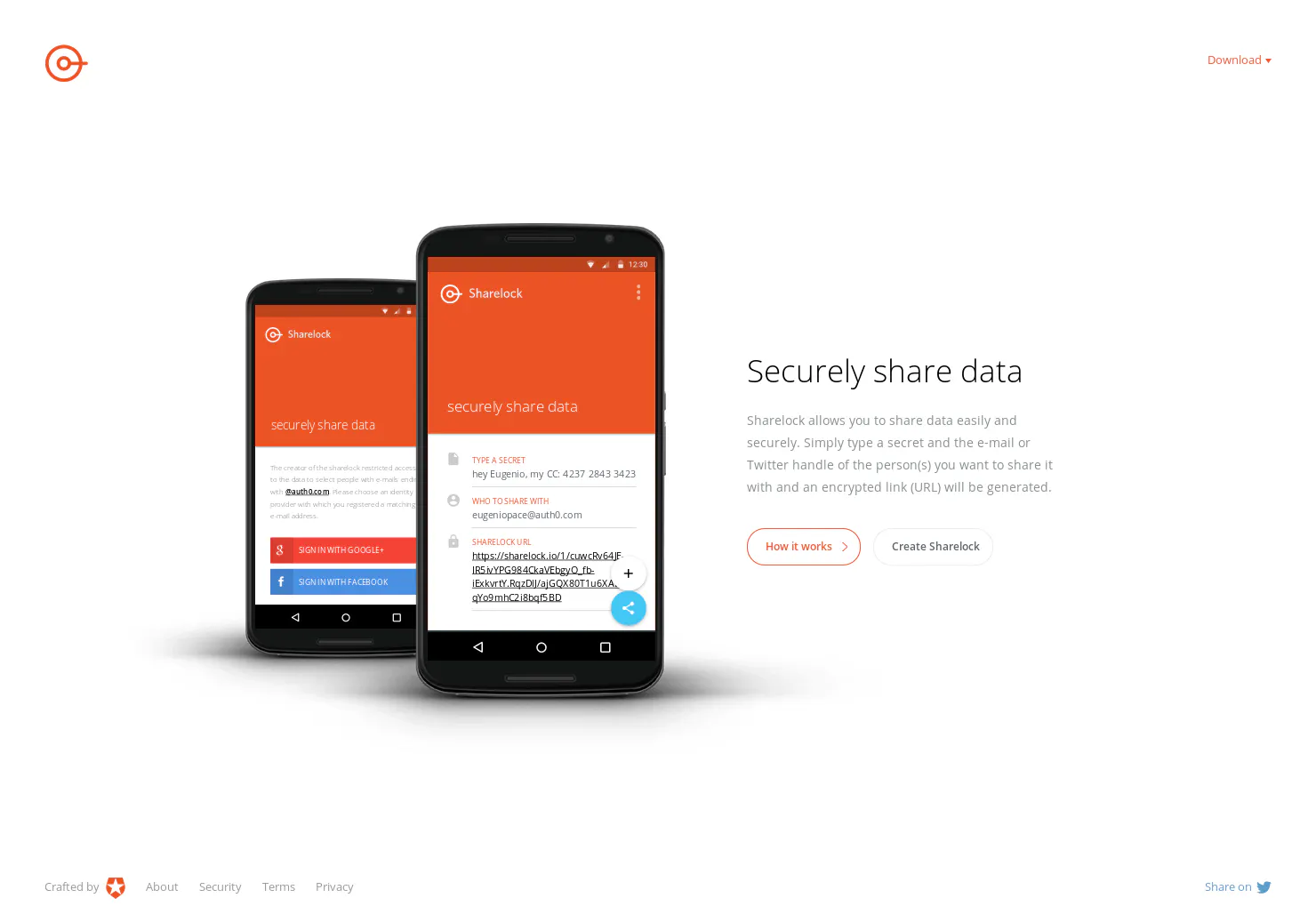
A Simple, New Android App For Protecting Your Privacy
2017 · play.google.com · its alternatives →
- 7

- 8

- 9

- 10
 Super App Lock▲162
Lock & hide apps, protect privacy, screen time control
2024 · apps.apple.com · its alternatives →
- 11
 AppLockr▲16
AppLockr — Lock Any App on macOS Behind Authentication!
2025 · minecraftpro-glitch.github.io · its alternatives →
- 12
 FreeUpMyMac▲110
Hey HN Ex YC/Google engineer turned indie maker here - excited to share something I just shipped. The System Data in my Mac was taking up 300GB and it took me months to figure out how to clear the old cache, logs, junk and more. And CleanMyMac is a subscription - I refuse to pay subscription fees for Mac apps that run locally. So I built FreeUpMyMac an offline, lifetime Mac cleaner that clear junk with 1 click. And helps you visualize your storage with TreeMap/Sunburst. Hope it’s helpful to you as it is for me. Would love your feedback Tunde
Jan 2026 · freeupmymac.com · its alternatives →
- 13

- 14

- 15
- 16

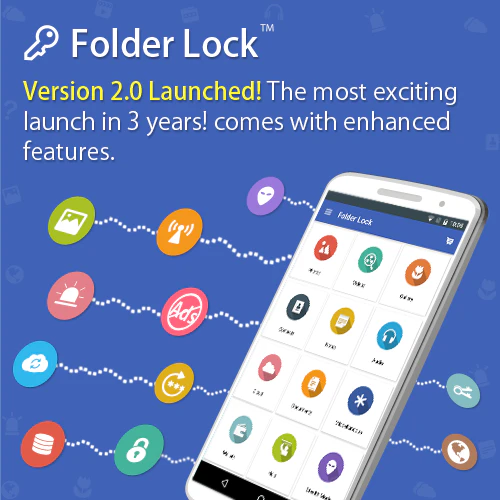
lock folder, folder locker, folder lock, lock folders
2025 · autoclose.net · its alternatives →
- 17

Keep your data and chats secure using this app locker app
2017 · play.google.com · its alternatives →
- 18

- 19
 Tidey▲90
Hey HN! I built Tidey because my Desktop was always a mess. The problem: Files pile up on Desktop and Downloads. Screenshots, PDFs, random downloads. You save them "temporarily" and forget about them for months. The solution: Tidey sits in your menubar and watches those folders. When you're ready to clean up, it shows you each file one by one. You preview it, then click Delete (goes to Trash) or Keep (moves to ~/Documents/Kept/, organized by year/month). That's it. No complex rules, no automation magic. Just a fast way to make decisions about files you've been ignoring.…
Jan 2026 · trytidey.com · its alternatives →
- 20
 Finderlock▲80
Lock Mac files in Finder with Touch ID & AES-256
May 2026 · finderlock.com · its alternatives →
- 21

- 22

- 23

- 24

Also compare
Ranked by how close each launch is in meaning, then by votes. Prices were read from each product’s own site when checked and can change. Refine with your own description →