Dev tools · alternatives · 2026

24 alternatives to Get help on any Linux command by typing 'howdoi –' in your terminal
Get quick answers to common linux related questions, right inside your terminal by typing "howdoi [your question]". - san-kumar/howdoi
Howdoi is a command-line tool that provides quick access to usage information for Linux commands. Users type 'howdoi –' followed by a command name to retrieve help documentation directly in their terminal. It's… Below are 24 products that do a similar job, ranked by how close each is in meaning and then by launch-day votes. Get help on any Linux command by typing 'howdoi –' in your terminal launched in 2020; newer entries below may have overtaken it.
- 1

AI for the Command Line. Contribute to santinic/how2 development by creating an account on GitHub.
2016 · github.com · its alternatives →
- 2

- 3

- 4

TLDR: I wrote a handbook for the Linux command line. 120 pages in PDF. Updated for 2025. Pay what you want. A few years back I wrote an ebook about the Linux command line. Instead of focusing on a specific shell, paraphrasing manual pages, or providing long repetitive explanations, the idea was to create a modern guide that would help readers to understand the command line in the practical sense, cover the most common things people use the command line for, and do so without wasting the readers' time. The book contains material on terminals, shells (compatible with both Bash and Zsh),…
2025 · commandline.stribny.name · its alternatives →
- 5

I was constantly googling CLI commands so I built this small CLI tool with GPT3. You can ask for shell commands right from the CLI. You'd need to use your own API KEY for this but it's pretty simple, instructions are in the README Not perfect but not bad either.
2022 · github.com · its alternatives →
- 6

- 7IS
I created a TUI for systemd/systemctl called isd (interactive systemd). It provides a fuzzy search for units, auto-refreshing previews, smart sudo handling, and a fully customizable, keyboard-focused interface for power users and newcomers alike. It is a more powerful (but heavier) version of sysz, which was the inspiration for the project. This should be a huge timesaver for anybody who frequently interacts with or edits systemd units/services. And if not, please let me know why! :)
2025 · isd-project.github.io · its alternatives →
- 8
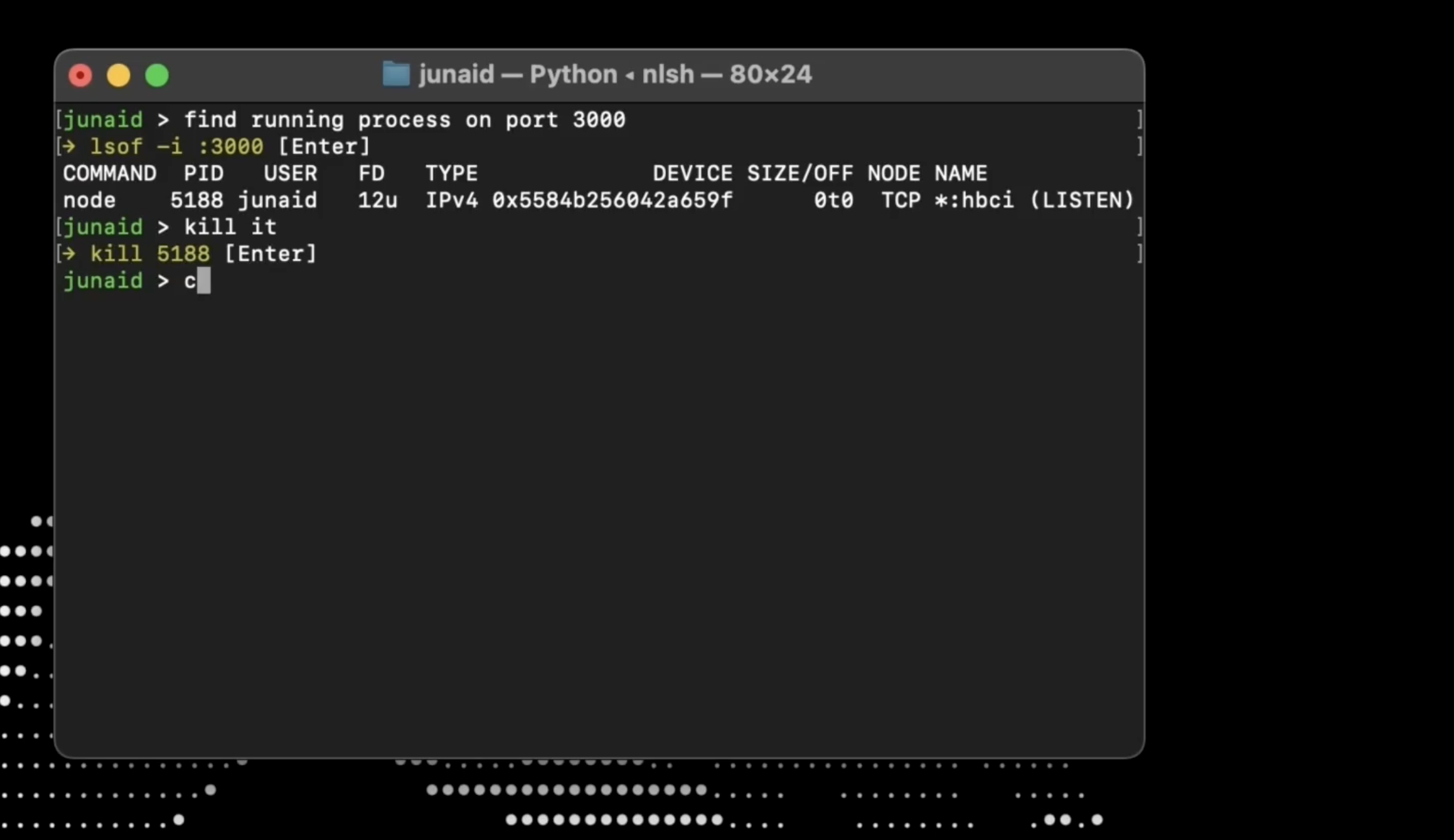
- 9

- 10
 WhatsDiff▲141
CLI tool to help you understand changes in your dependencies
Nov 2025 · whatsdiff.app · its alternatives →
- 11

🐚📊 Show off your most used shell commands. Contribute to irevenko/tsukae development by creating an account on GitHub.
2021 · github.com · its alternatives →
- 12

Always Googling those pesky Terminal commands? Use AI to find the commands for you from within the command line.
2022 · oh-heck.dev · its alternatives →
- 13

Daily notes command line tool. Contribute to tomlockwood/dn development by creating an account on GitHub.
2019 · github.com · its alternatives →
- 14

CLI and local web plain text note‑taking, bookmarking, and archiving with linking, tagging, filtering, search, Git versioning & syncing, Pandoc conversion, + more, in a single portable script. - xwmx/nb
2020 · github.com · its alternatives →
- 15

wik is use to get information about anything on the shell using Wikipedia. - yashsinghcodes/wik
2023 · github.com · its alternatives →
- 16

A Terminal UI to browse Hacker News. Contribute to aome510/hackernews-TUI development by creating an account on GitHub.
2021 · github.com · its alternatives →
- 17

Hi HN! I wanted to share Yakari, a tool I built to make command-line interfaces more approachable through interactive TUIs. If you've ever forgotten CLI flags or needed to look up command syntax, this might help. Yakari turns complex commands into interactive menus. Users can navigate through options with simple key presses instead of memorizing complex command structures. If you've used Emacs and Magit (or any other Transient) before, the interface will feel familiar. Features: - Transform CLIs into guided menus - Create custom menus for any CLI - Support for flags, named parameters,…
2024 · github.com · its alternatives →
- 18

Blog post: https://guywaldman.com/posts/introducing-magic-cli
2024 · github.com · its alternatives →
- 19

- 20

- 21

- 22

Last month, I started learning a Python TUI framework called Textual. After working on a 4x4 board game, I made an interactive app to test your CLI text processing skills with 40 beginner to intermediate level exercises. The app is fairly basic in terms of features — only single input file, so no stdin data, multiple files, etc. Most of the exercises in this app is based on my Computing from the Command Line ebook (https://learnbyexample.github.io/cli-computing/preface.html). I hope to improve the TUI app to support all the 200+ exercises sometime next year.
2022 · github.com · its alternatives →
- 23
 AskMyDocs.ai▲111
Get precise, instant answers straight from your docs
2023 · askmydocs.ai · its alternatives →
- 24

I'm often in the terminal and forget a command (or never knew it in the first place). This is a simple tool that lets you type out what you want, gives you several options, and then automatically puts the one you want in your clipboard.
2025 · github.com · its alternatives →
Also compare
Ranked by how close each launch is in meaning, then by votes. Prices were read from each product’s own site when checked and can change. Refine with your own description →