nowfound

Alternatives

Products that do what LenticularMaker does

App that changes images gradually as you tilt the device

  1. 1

    Now with Places, a new Moves replacement

    2018

  2. 2
    Prisma1,451

    AI that turns your photos into artwork in seconds

    2016 · prisma-ai.com

  3. 3
    Retrato198

    Magical portraits

    2023

  4. 4

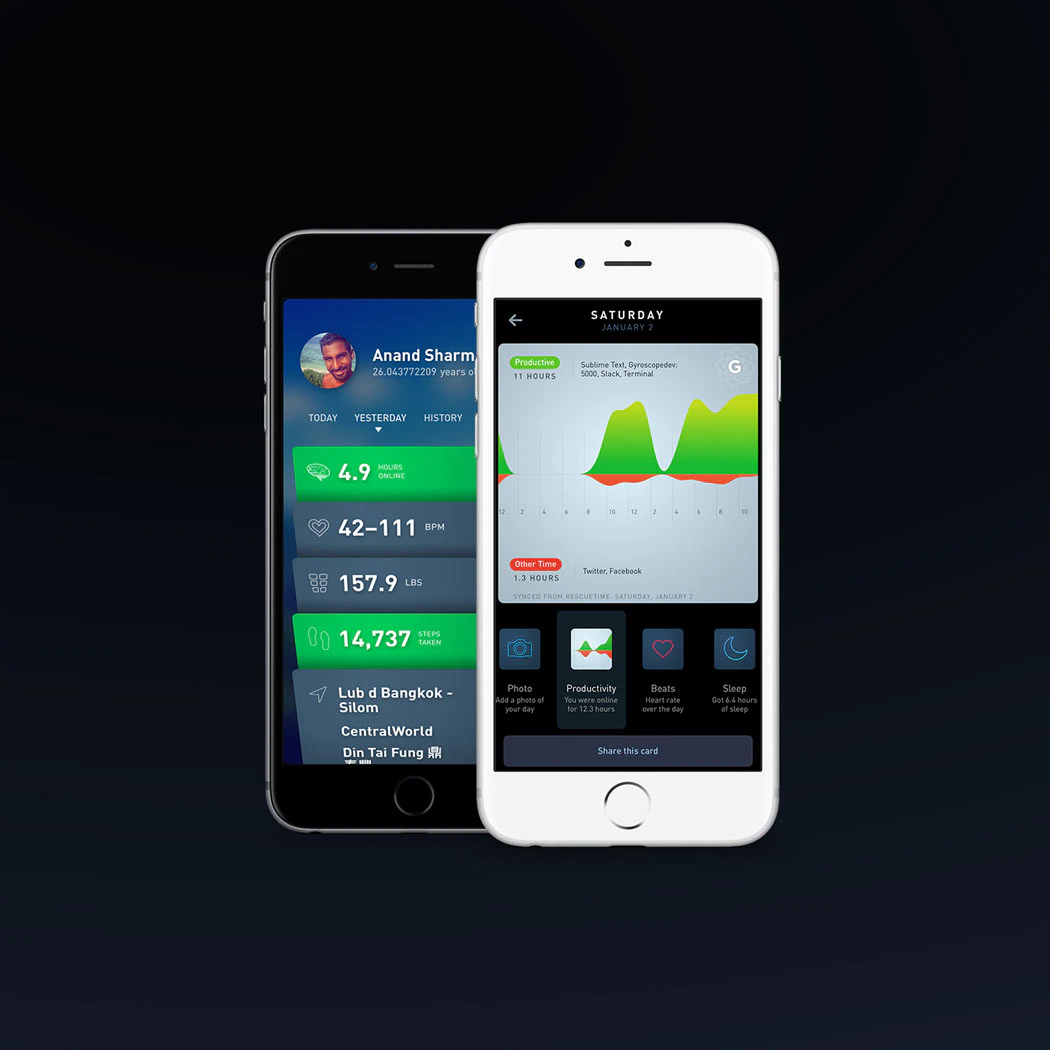
    See the complete story of your life

    2016

  5. 5

    Create beautiful sharable images for your runs

    2015

  6. 6

    Scroll by simply tilting your phone forward or backward.

    2025

  7. 7
    Rotate186

    Rotate is a weekly rotation of beautiful products.

    2017

  8. 8
    Polar73

    Scan your polaroid photos in seconds 📸

    2018

  9. 9

    Easily plan, track, and relive your travels

    2024

  10. 10

    Automatically track everything about your health

    2021

  11. 11
    Lumyer170

    The easiest way to animate your photos

    2017

  12. 12
    Angle 4146

    Create presentations with a library for Figma, Sketch and XD

    2021

  13. 13

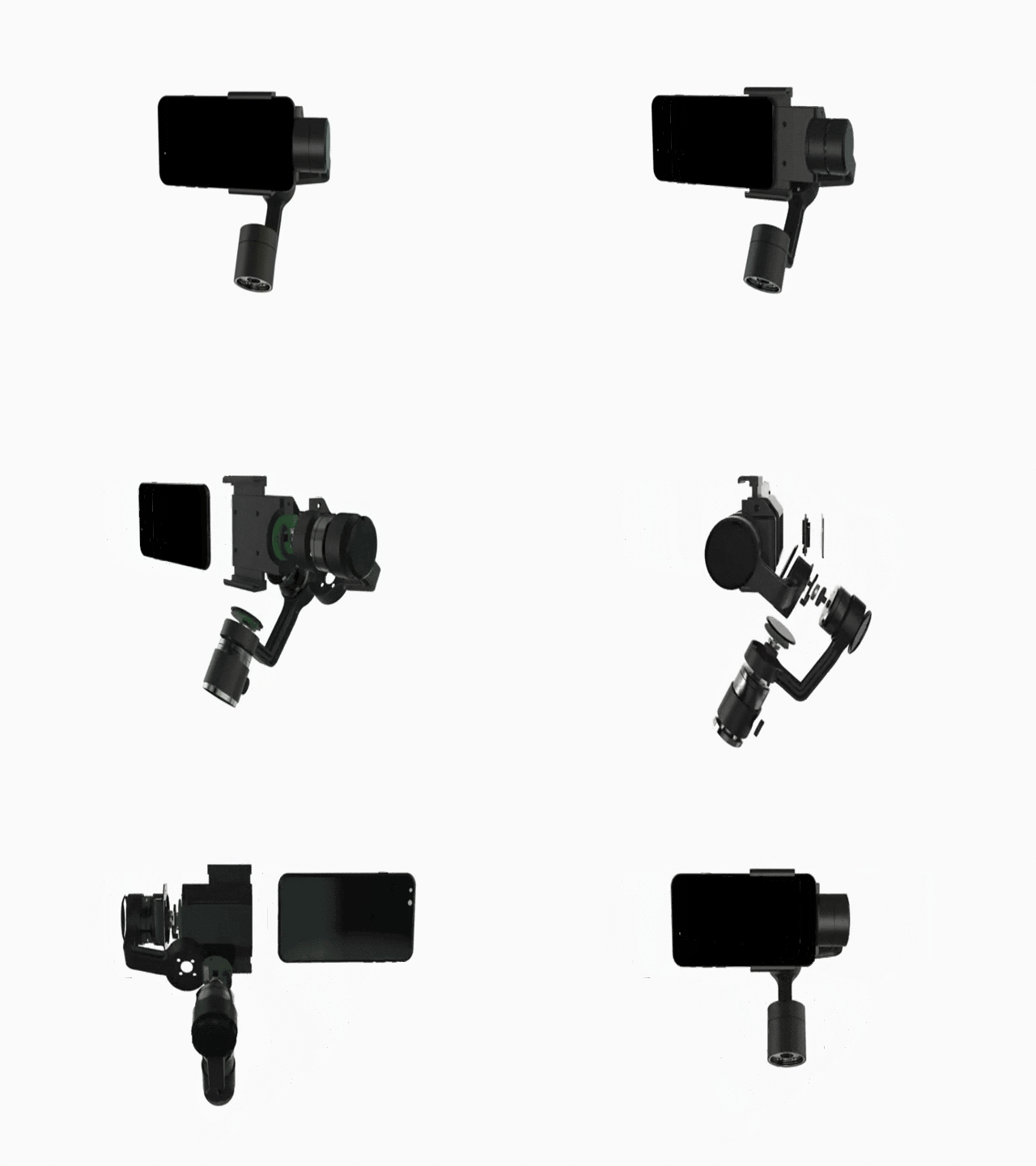
    Smartphone stabilizer - the end of shaky videos

    2016

  14. 14

    A cozy camera app for beautifully framed memories

    Jun 2026 · momentracam.com

  15. 15

    Algorithms simulate the effect of a real glass lens

    2017

  16. 16

    Create moving photos with one easy tap

    2016

  17. 17

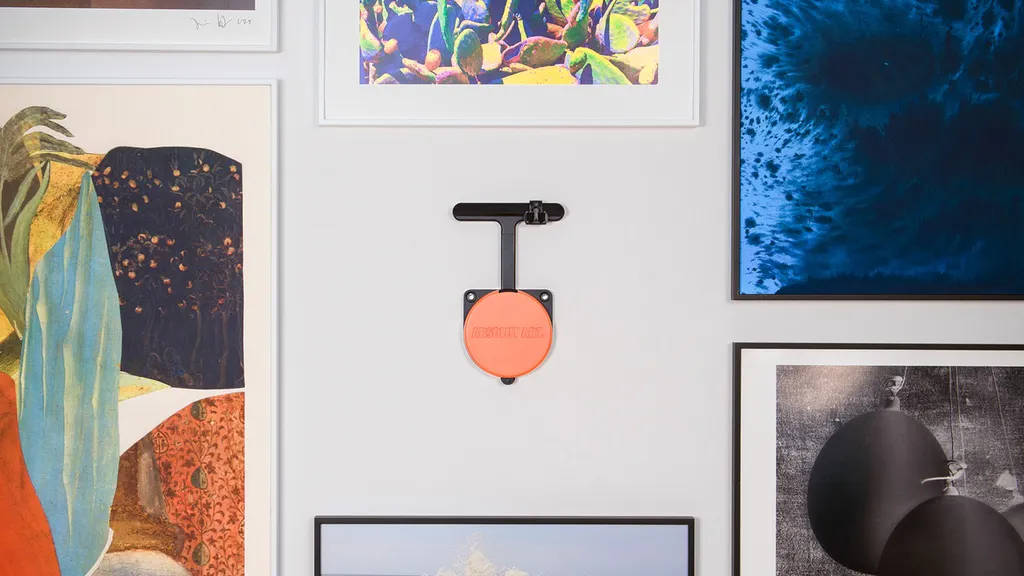
    World's first device to mount, position, and adjust any art.

    2017

  18. 18

    The instant film camera DIY kit

    2022

  19. 19

    The app for lifters 💪

    2016

  20. 20

    Computer vision counts your reps in real time

    Jul 2026 · apps.apple.com

  21. 21

    A drag and drop Motion Design tool to swap creatives quickly

    May 2026 · autograph.video

  22. 22

    A simple photo app that converts images into ASCII art

    2015

  23. 23

    Create photos that move when you tilt your phone

    2014

  24. 24

    Free Arcade multiplayers gyro-mobilegame

    Feb 2026 · apps.apple.com

Ranked by how close each launch is in meaning, then by votes. Refine with a description →