AI · alternatives · 2026

24 alternatives to LocalOps
Know Your AI Performance Before You Run It.
Below are 24 products that do a similar job, ranked by how close each is in meaning and then by launch-day votes. Prices are shown for the 1 we have checked on their own sites, 1 of them free or with a free tier.
- 1

Find the local LLM that actually runs and performs best on your hardware. Ranked by real, recency-aware benchmarks, not parameter count. One command, run it instantly. - Andyyyy64/whichllm
May 2026 · github.com · its alternatives →
- 2IM
2023 · vram.asmirnov.xyz · its alternatives →
- 3
 General Compute▲315
AI models that run on an inference cloud optimized for speed
May 2026 · generalcompute.com · its alternatives →
- 4

Pick hardware and a model, and feel the real speed of a local LLM before you buy. Simulates tokens/sec and time-to-first-token from verified benchmarks for GPUs, Macs, and more.
6d ago · llmspeed.dev · its alternatives →
- 5

The video demo runs a 7b Model on a normal gaming GPU. I think it already works quite well (accounting for the limited hardware power). :)
2024 · github.com · its alternatives →
- 6
 RunInfra▲156
Describe the AI model you need and get an optimized AI
Jul 2026 · runinfra.ai · its alternatives →
- 7

Hey Folks! I've been building an open source benchmark for measuring local LLM performance on your own hardware. The benchmarking tool is a CLI written on top of Llamafile to allow for portability across different hardware setups and operating systems. The website is a database of results from the benchmark, allowing you to explore the performance of different models and hardware configurations. Please give it a try! Any feedback and contribution is much appreciated. I'd love for this to serve as a helpful resource for the local AI community. For more check out: - Website:…
2025 · localscore.ai · its alternatives →
- 8CI
One of the most frequent questions one faces while running LLMs locally is: I have xx RAM and yy GPU, Can I run zz LLM model ? I have vibe coded a simple application to help you with just that. Update: A lot of great feedback for me to improve the app. Thank you all.
2025 · can-i-run-this-llm-blue.vercel.app · its alternatives →
- 9
 local.ai▲104
Free, local & offline AI with zero technical setup
2023 · localai.app · its alternatives →
- 10

Calculate token/s & GPU memory requirement for any LLM. Supports llama.cpp/ggml/bnb/QLoRA quantization - RahulSChand/gpu_poor
2023 · github.com · its alternatives →
- 11

The world’s most powerful chip’ for AI
2024 · nvidia.com · its alternatives →
- 12

Free tool to check if your GPU can run local LLMs.
Jul 2026 · llmconfigurator.com · its alternatives →
- 13

Built a simple web app that tells you which open-source LLMs will work on your hardware. It auto-detects your specs, shows compatible models from Hugging Face, gives realistic performance estimates (tokens/sec), and recommends quantization settings. You can also manually input specs to see "what if I upgraded my RAM?" Made this after wasting time downloading giant models only to find they crawled on my hardware. Hope it saves you some frustration!
2025 · caniusellm.com · its alternatives →
- 14

- 15

AI-powered screen memory — captures, analyzes, and lets you search/chat your screen history. Powered by Gemma 4 . 100% local, 100% private. - ayushh0110/ScreenMind
Jun 2026 · github.com · its alternatives →
- 16

Local AI hardware checker: pick your GPU or Mac and RAM for language, image and video model routes, complete workflow files and sourced memory limits.
9h ago · localrigcheck.com · its alternatives →
- 17

- 18

- 19

We've built InferX, a specialized runtime environment that fundamentally changes how LLMs are served. The core problem we solve is the latency bottleneck in AI inference, especially with large models. Current systems waste resources or suffer from painfully slow cold starts. InferX's AI-native architecture, with its "snapshot" technology, enables: * *Sub-2s cold starts:* Spin up models instantly. * *High density:* Serve more LLMs on the same GPUs. * *Optimal efficiency:* Maximize GPU utilization. This isn't just another API; it's a new execution layer designed from the ground up for the…
2025 · github.com · its alternatives →
- 20
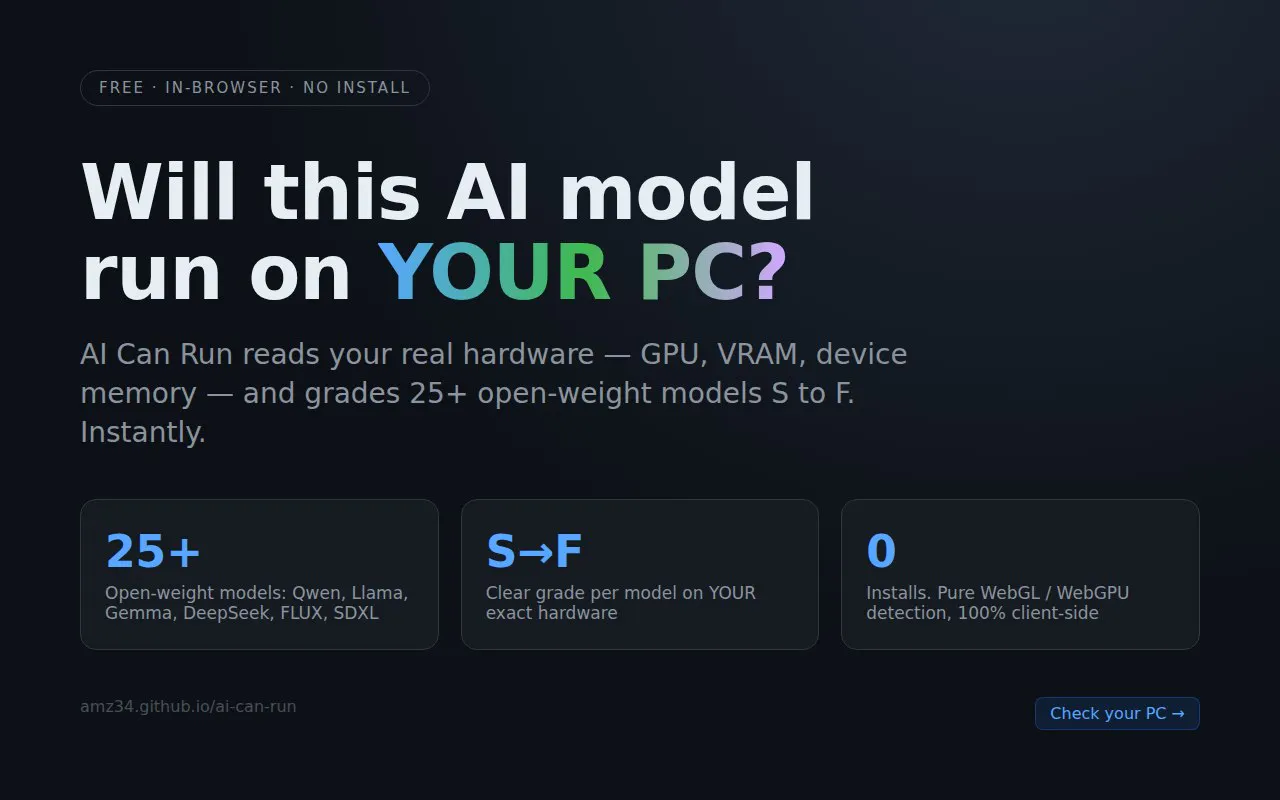
Check which AI models your PC can actually run — no installs
Aug 2026 · amz34.github.io · its alternatives →
- 21

Run AI models or workflows on GPUs at a lower cost
2024 · its alternatives →
- 22

LLM·RAG·VLM·아바타 워크로드를 GPU·CPU·RAM·스토리지·네트워크 구성과 경제형·권장형·확장형 견적 3안으로 변환하는 오픈소스 AI 인프라 산정 도구
Aug 2026 · jaeseok614.github.io · its alternatives →
- 23

Demo of agent based model on GPU with CUDA and OpenGL (Windows/Linux) Agent instances on GPU memory Uses SSBO for instanced objects (with GLSL 450 shaders) CUDA OpenGL interops Renders with GLFW3 window manager Dynamic camera views in OpenGL (pan,zoom with mouse) Libraries installed using vcpkg (https://github.com/KienTTran/ABMGPU)
2023 · github.com · its alternatives →
- 24

It's a chrome extension that automatically loads the specs from the Hugging Face model card into the calculation. > To test it, install the extension (no registration/key needed) and navigate to a HF model page. Then click the "VRAM" icon on the top right to open the sidepanel. You can specify quantization, batch size, sequence length, etc. Works for inference & fine-tuning. If it does not fit on the specified GPUs, it gives you an advise on how to still run it (e.g. lowering precision). It is inspired at my work, where we were constantly exporting metrics from HF to estimate required…
2025 · chromewebstore.google.com · its alternatives →
Also compare
- Find the best local LLM for your hardware, ranked by benchmarks alternatives
- I made a GPU VRAM calculator for transformer-based models alternatives
- General Compute alternatives
- Llmspeed – feel how fast a local LLM runs before you buy the hardware alternatives
- I've built a locally running Perplexity clone alternatives
- RunInfra alternatives
Ranked by how close each launch is in meaning, then by votes. Prices were read from each product’s own site when checked and can change. Refine with your own description →