Alternatives
Products that do what My Mac slept through its cron jobs, so I made goguma, a menu bar app does
Hi HN, like many of you likely do, I run cron jobs throughout the day/night, but can't afford to have my laptop open all day. So, I decided to build goguma, a free, open-source Mac menu bar app that wakes your Mac only when a cron job/automation is scheduled to run. Unlike caffeinate, Amphetamine, or Adrafinil, which can only keep an awake machine awake, goguma can wake a sleeping machine. It automatically imports all your jobs across launchd, crontab, Hermes, etc, alongside detecting agent activity through hooks. The Mac menu bar app will also show you which job it'll next wake…
- 1

- 2

- 3
- 4

- 5BA
Hi HN! I recently switched from a Fedora/GNOME laptop to a MacBook Air. My old setup served me well as a portable workstation, but I’ve started traveling more while working remotely and needed something with similar performance but better battery life. The main thing I missed was a simple taskbar that shows the windows in the current workspace instead of a Dock that mixes everything together. I built boringBar so I would not have to use the Dock. It shows only the windows in the current Space, lets you switch Spaces by scrolling on the bar, and adds a desktop switcher so you can jump…
Apr 2026 · boringbar.app
- 6

- 7
- 8

- 9MN
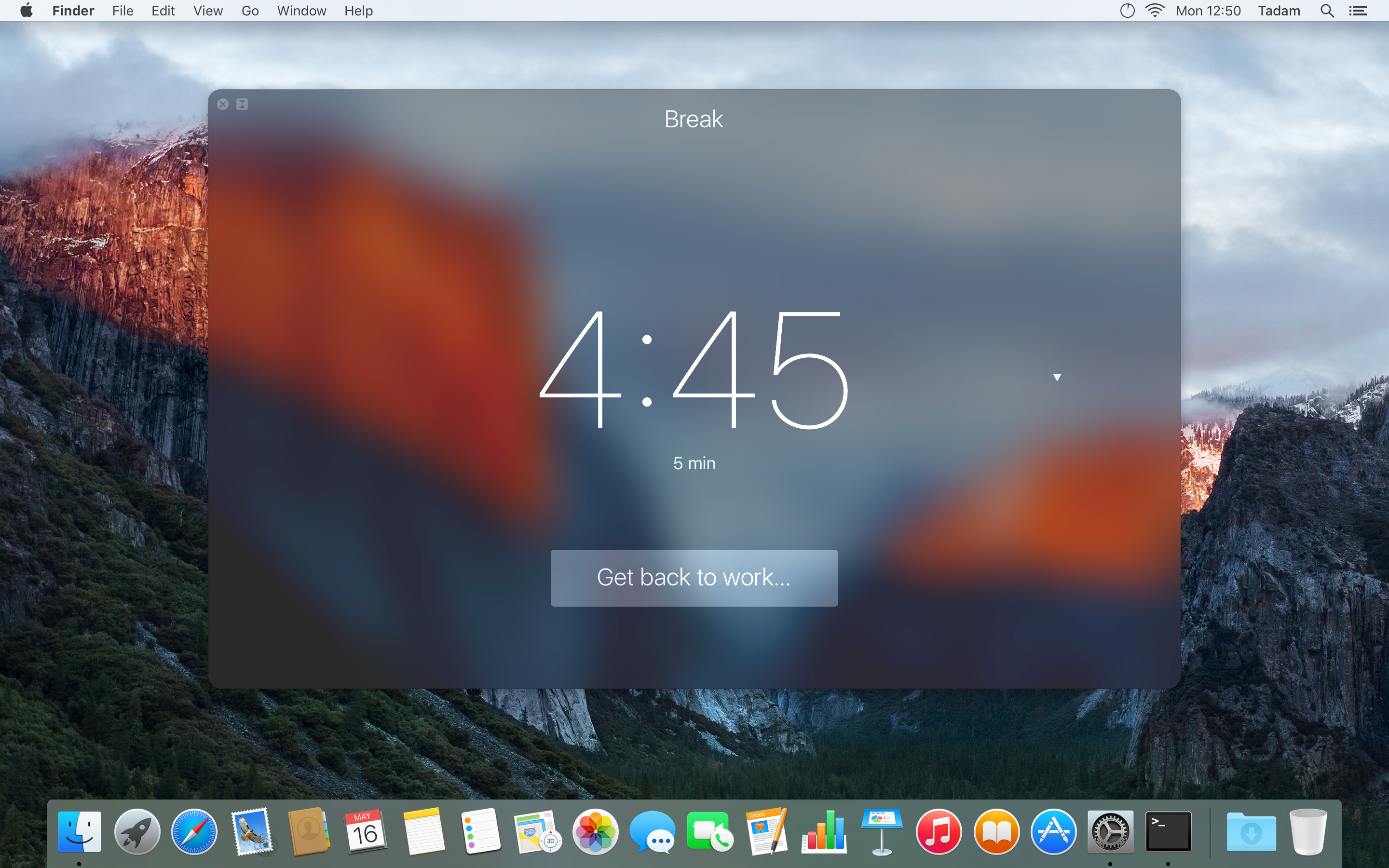
Howdy, gang; After almost two weeks of sitting in Apple's approval queue, my new app Timebar is finally available. I think it has a pretty innovative UI feature, so I wanted to float it by Hacker News. It's a timer app that turns your Mac's menu bar into a sort of virtual hourglass. Your menu bar starts out tinted blue (or whatever colour you pick) and it slowly drains from right-to-left until your time is up. It works very well for situations where you want to keep track of time, but don't need to be super precise. The menu bar is easy to glance up at, and it doesn't take long to happen…
2013
- 10

- 11

- 12
- 13

- 14

- 15

- 16
- 17
- 18DA
Hi HN, Francesco from Cua here. I hacked this project together last weekend, inspired by the Codex Computer-Use release and lessons learned from deploying GUI-operating agents for our customers. The main problem: when a UI automation process controls a desktop app today, it usually takes over the human’s session. Your cursor moves, keyboard focus gets stolen, windows jump to the front, and you have to stop working until the agent is done. That is why we have historically avoided encouraging users to run these processes directly on their host machine, instead relying on VMs or GUI containers…
Apr 2026 · github.com
- 19

- 20

- 21

- 22
- 23

- 24

Ranked by how close each launch is in meaning, then by votes. Refine with a description →