AI · alternatives · 2026

24 alternatives to Tidy
Spotlight returns nothing for words you know are in a scanned document. It is not a bug: a scan has no text layer, so there is nothing to index. How to check, and three ways to make those documents searchable on a Mac.
Below are 24 products that do a similar job, ranked by how close each is in meaning and then by launch-day votes.
- 1

Scan documents and digitize them flawlessly on your Mac
2020 · apps.apple.com · its alternatives →
- 2
 Adobe Scan▲498
Adobe's free scan app with text recognition superpowers
2017 · adobe.com · its alternatives →
- 3

Fast, reliable, and free document scanner app for iPhone - pencilresearch/OpenScanner
2024 · github.com · its alternatives →
- 4

Effortless image to text conversion for Mac
2024 · getsnipit.com · its alternatives →
- 5
 PDFify▲230
Free macOS text recognition, PDF composition & compression
2018 · pdfify.app · its alternatives →
- 6
- 7

- 8

- 9
 Stash▲135
Manage temporary files, text, and media with drag-and-drop
2025 · apps.apple.com · its alternatives →
- 10

- 11
 Declutter▲91
Cleans and organises your files in Mac desktop automatically
2016 · macappstudio.com · its alternatives →
- 12

- 13
 Doc Scan▲63
Help you scan and organize hundreds of documents efficiently
2019 · apps.apple.com · its alternatives →
- 14

My Downloads folder had been left unkept for a really long time and cleaning it up using Finder was quite cumbersome. So I started creating a simple app to help me filter out and delete or move the files in the folder. It started out very basic and the filtering options genuinely helped me clean out the Downloads folder, then as I thought of more features I would like to see in a file manager I started to add them. Some of the features are: - Fuzzy go to folder/file where you only need to write a few letters of a full path, get suggestions and can jump to the correct path instantly -…
Jul 2026 · whimfiles.com · its alternatives →
- 15
 Tidey▲90
Hey HN! I built Tidey because my Desktop was always a mess. The problem: Files pile up on Desktop and Downloads. Screenshots, PDFs, random downloads. You save them "temporarily" and forget about them for months. The solution: Tidey sits in your menubar and watches those folders. When you're ready to clean up, it shows you each file one by one. You preview it, then click Delete (goes to Trash) or Keep (moves to ~/Documents/Kept/, organized by year/month). That's it. No complex rules, no automation magic. Just a fast way to make decisions about files you've been ignoring.…
Jan 2026 · trytidey.com · its alternatives →
- 16
 Unfold▲123
Extend macOS Quick Look to folders, archives & code files
Mar 2026 · unfold.tools · its alternatives →
- 17
 FolderPlus▲101
Peek inside any folder without opening it
Jun 2026 · apps.apple.com · its alternatives →
- 18
 Stella▲109
Local natural language search across all your files
Jun 2026 · trystella.co · its alternatives →
- 19
 space ocr▲95
OCR that checks its own answers, as an app or an API
Aug 2026 · space-ocr.com · its alternatives →
- 20

Text copying, scroll restoration, syntax highlighting & more
2021 · apps.apple.com · its alternatives →
- 21

- 22

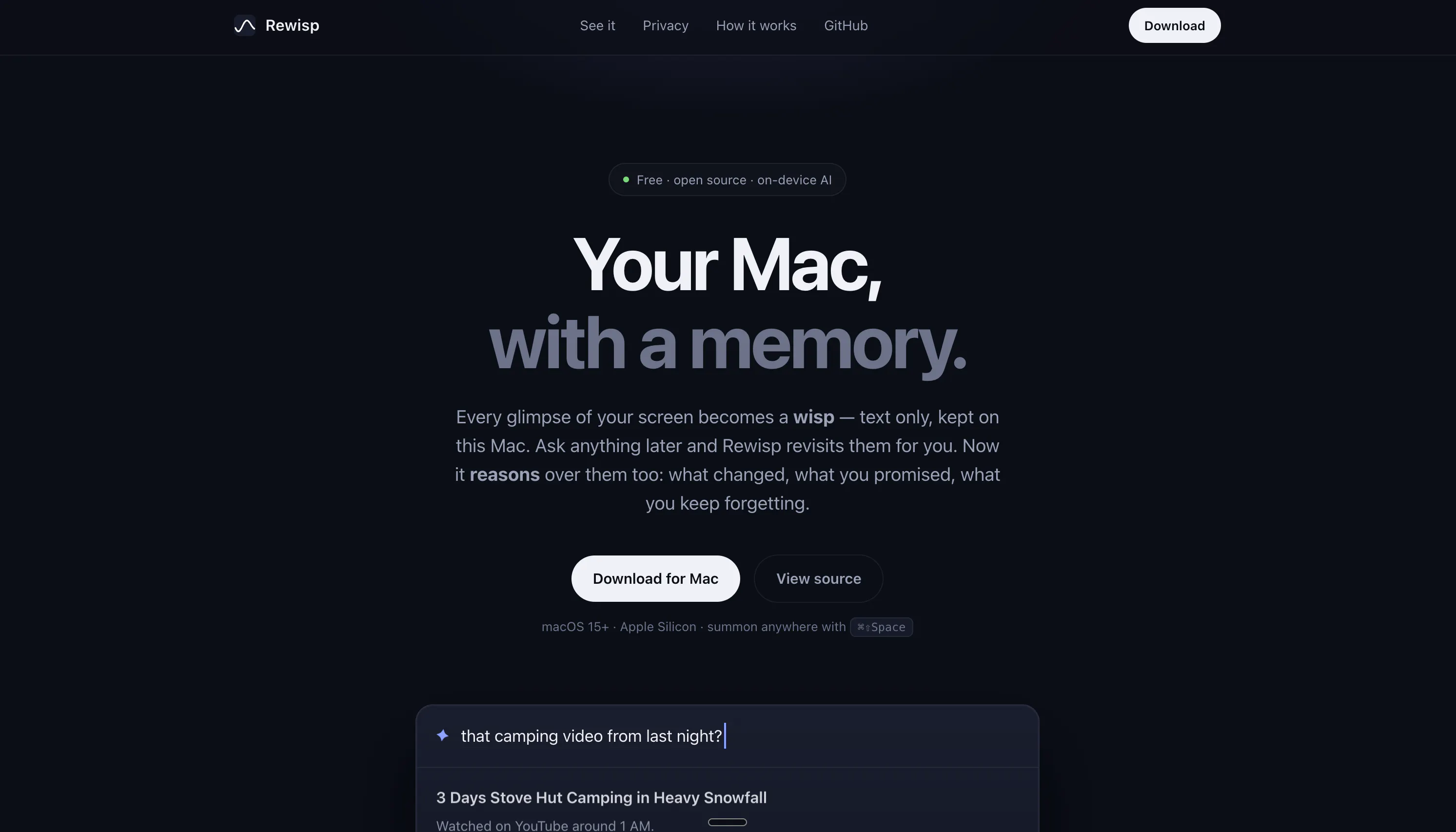
It's a macOS menu bar app that reads the text of your focused window every few seconds through the Accessibility API. No screenshots, no video, or OCR. It writes plain markdown, one file per day, into a folder you choose. Point Claude Code (or anything with file access) at the folder and ask "what did I work on Tuesday?" or have it build memory about your projects. The folder contains an AGENTS.md explaining the format to the model. Thought it might be useful for someone so chucked it up on GitHub
Aug 2026 · github.com · its alternatives →
- 23
 Clearcan▲18
Free document scanner. No ads, no subscriptions, no cloud.
Jul 2026 · apps.apple.com · its alternatives →
- 24
 TidyDisk▲5
See what is eating your dev disk. Reclaim it in one click.
Jul 2026 · tidydisk.app · its alternatives →
Also compare
Ranked by how close each launch is in meaning, then by votes. Prices were read from each product’s own site when checked and can change. Refine with your own description →