A HN desktop app for reading links and comments next to each other
A HN desktop app for reading links and comments next to each other launched on April 24, 2016 with 54 votes, #1,472 of 4,301 launches that month and more than 90% of that year's launches. The site was still online in September 2026, 10 years on.
In plain words
This desktop application provides a streamlined way to browse Hacker News by displaying stories in a sidebar with the ability to view articles and their comments simultaneously on a split screen. Users can read full articles within the app rather than opening multiple browser tabs, and switch between content and comments using keyboard shortcuts. The split-screen feature works particularly well on larger monitors, making it suitable for anyone who regularly reads Hacker News and wants a more organized browsing experience.
written from the facts on this page · September 2026
From the sources
Comfortably read Hacker News without having to open an endless amount of tabs anymore. You can choose articles to view from a sidebar and can optionally read articles and their comments next to each other on a split screen You can just choose a story on the sidebar and the corresponding website will load inside the app. No more needing to open an endless amount of tabs for HN and you can switch to the comments using a keyboard shortcut. The app offers an optional split screen mode to view the website and the comments next to each other. It's an awesome way to read HN if your screen is large enough. By pressing a keyboard shortcut you can switch to viewing the comments right inside the app.…from florian.github.io
Does a similar job
all alternatives → I was tired of opening 2 tabs for every HN link, so I made a userscriptJul 2026 · github.com · ▲433
HN is great for the links people share, but a big part of the value I get comes from reading the discussion around them. I realized I was always opening the article in one tab and the comments in another, constantly switching back and forth. I figured there was probably a simpler way, so I threw together this userscript to merge the two. 1. Clicking a link from Hacker News opens the article with a side panel containing the discussion. It doesn't require your credentials, is resizable, and is easy to tweak if you want to customize it. 2. If you land on an article that has previously been…
- IDI Designed this HN Mac App – Should I develop it?2013 · hackernewstab.com · ▲86
 HN.watch – Videos of all Hacker News posts25d ago · hn.watch · ▲225
The Hacker News front page, with a short video explainer for every story.
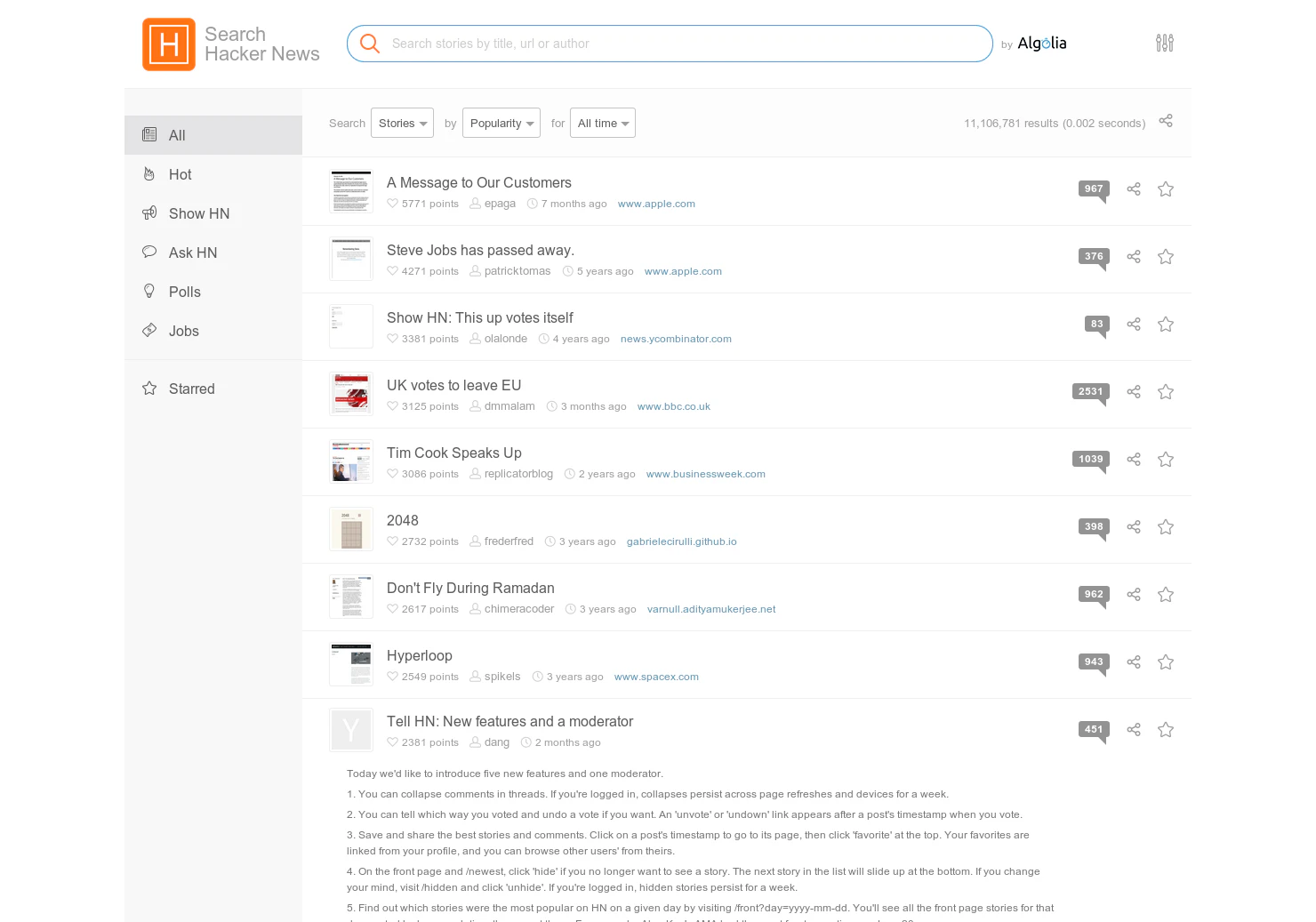

 HN comments sidebar bookmarklet2023 · gist.github.com · ▲49
Hacker News comments sidebar bookmarklet. GitHub Gist: instantly share code, notes, and snippets.
More life & fun this month
the category →
A free city-building game in your browser. You are the mayor. You know what the city needs. Now get it past the zoning board, the neighbors, the appeals court and the next election.
Life & fun · 3d ago · permit.petercai.com
- IV
Life & fun · 15d ago · tanzaniaeducationproject.org

Turn a phone, tablet or TV into a sign. Type a message and it fills the screen: welcome signs, timers, Wi-Fi passwords and more. No app, no account, free.
Life & fun · 16d ago · bigwords.page

Play a free virtual guitar online with your keyboard or by touch. Slow songs down and see every chord, string and strum. Acoustic, classic, electric and bass.
Life & fun · 10d ago · guitoro.com

Carrier settings from iPhone, Pixel and Galaxy firmware, decoded and compared: APNs, VoLTE, 5G and Wi-Fi Calling per carrier, and what each build changed.
Life & fun · 14d ago · carrierexplode.com

Life & fun · 24d ago · space.bl2.net
Source: Show HN post ↗
Launched alongside, April 2016
the whole month →

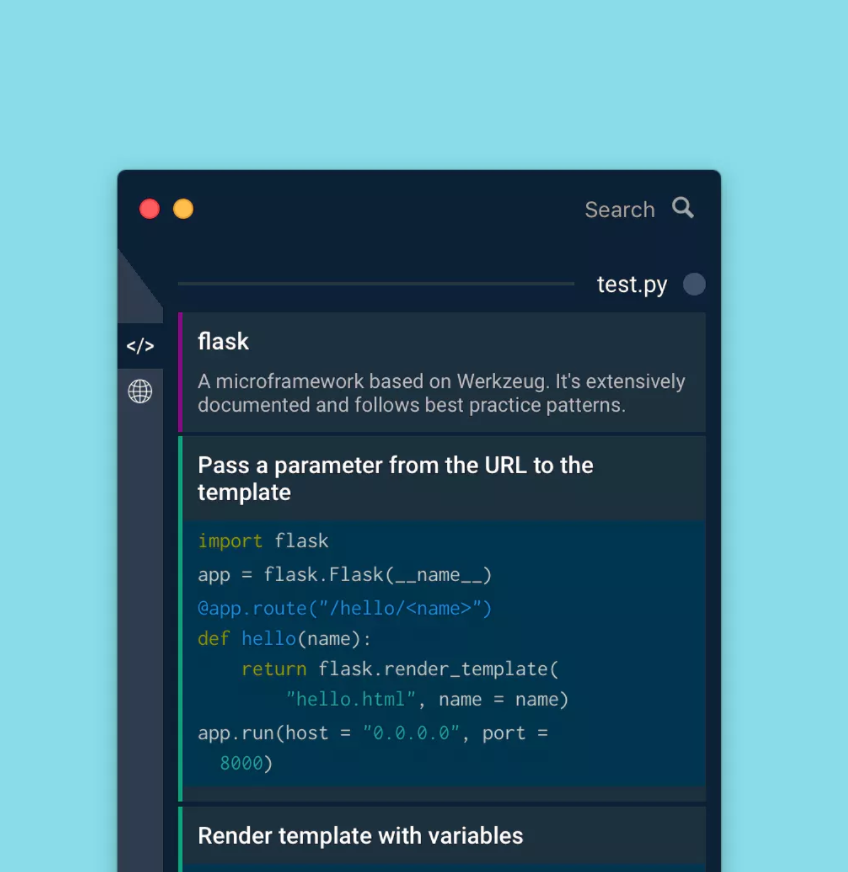

Access all the files on Dropbox without having to sync
Work · 2016 · blog.dropbox.com

The easiest way to build an FB bot. No coding required!
Dev tools · 2016

Quickly find your Bootstrap classes on this interactive Bootstrap cheat sheet. It includes code samples and live preview of elements.
Dev tools · 2016 · hackerthemes.com