Life & fun · November 16, 2026

GlissTouch
Custom Trackpad Gestures for Mac
GlissTouch launched on November 16, 2026 with 75 votes, #250 of 3,100 launches that month and more than 95% of that year's launches.
What it does
Rest a finger and tap another to go back, swipe on a title bar to snap a window, or draw a shape to open an app. Free for 5 gestures, no account needed.
Turn taps, swipes and drawn shapes into shortcuts. Switch tabs, snap windows and open apps without the keyboard. Animation: resting one finger and tapping another on its left goes back a page, swiping two fingers on a window’s title bar and sliding right snaps the window to the right half of the screen, resting two fingers and tapping a third on their left switches to the tab on the left, and drawing a check mark with three fingers opens Notes. Scrolling and Mission Control use most of these Multi-Touch gestures. Everything else means the keyboard. ⌃⇧⇥ to go back a tab. Spotlight to open an app. Dragging a window edge to fit two side by side. Real recordings of GlissTouch, a quiet trackpad…from glisstouch.com
Does a similar job
all alternatives →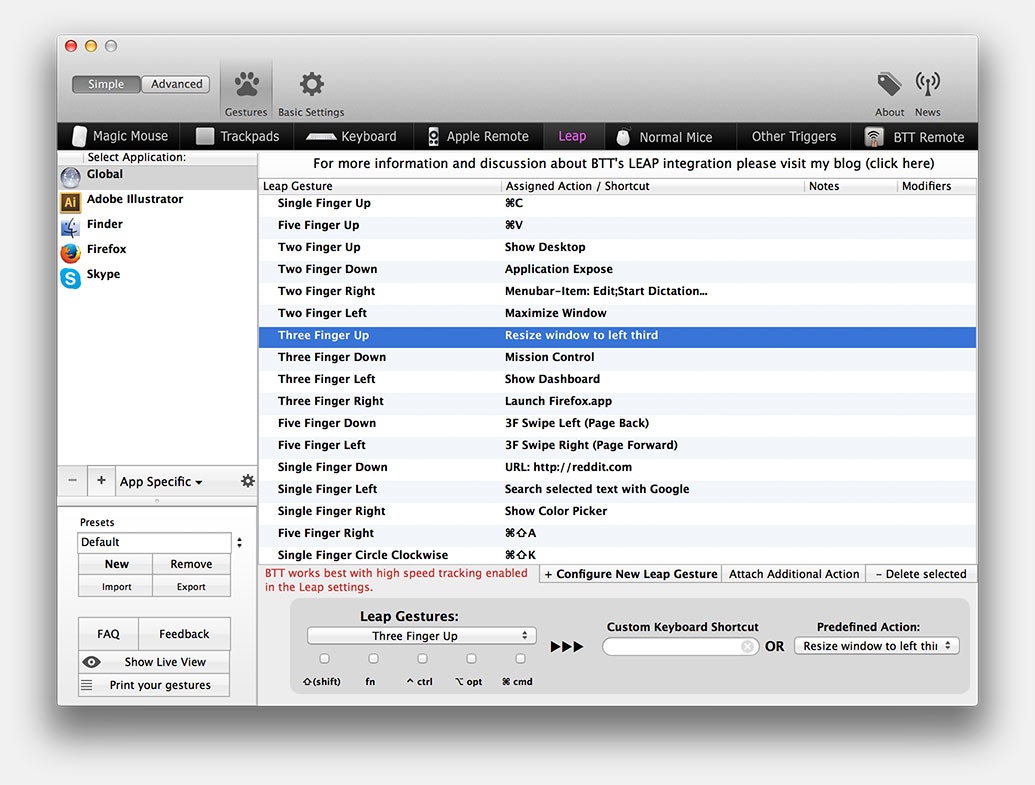

 FeelMyMacSep 2026 · feelmymac.thehighjack.it · ▲97
Lets you feel different textures through your Mac’s trackpad


More life & fun this month
the category →- HH
Browse thousands of books recommended in Hacker News comments, 2006–2026. Ranked by how many different people recommend them.
Life & fun · 17d ago · hackerbooks.org

A free city-building game in your browser. You are the mayor. You know what the city needs. Now get it past the zoning board, the neighbors, the appeals court and the next election.
Life & fun · 29d ago · permit.petercai.com

Meet Subvocal. Silent text input for your computer, at the speed of speech. Built by The Subvocal Company.
Life & fun · 16d ago · subvocal.company
 Steal My Bitcoin▲625
A PHP security challenge. Find the hidden bitcoin key. First person to get the wallet wins.
Life & fun · 25d ago · stealmybitcoin.com

Enter any place on Earth. See every satellite that passed over it this week, and the actual pictures they took.
Life & fun · 9d ago · watched.earth

A newspaper from Hacker News, refreshed every hour. Independent headlines, original sources.
Life & fun · 16d ago · hackertimes.ca
Source: Product Hunt launch ↗
Launched alongside, November 2026
the whole month →- HH
Browse thousands of books recommended in Hacker News comments, 2006–2026. Ranked by how many different people recommend them.
Life & fun · 17d ago · hackerbooks.org
Meet Subvocal. Silent text input for your computer, at the speed of speech. Built by The Subvocal Company.
Life & fun · 16d ago · subvocal.company

Free, open-source embroidery software for Mac and Windows. Turn SVG artwork into machine embroidery, edit stitches visually, and create designs with AI agents via MCP. - simpsoka/zigzag
AI · 6d ago · github.com
Enter any place on Earth. See every satellite that passed over it this week, and the actual pictures they took.
Life & fun · 9d ago · watched.earth
A newspaper from Hacker News, refreshed every hour. Independent headlines, original sources.
Life & fun · 16d ago · hackertimes.ca

Keep your coding agent up to date with the latest web best practices - GoogleChrome/modern-web-guidance
AI · 8d ago · github.com