
Quickly connect to WiFi by scanning text, no typing needed
I travel and work remotely a lot. Every new place—hotels, cafes, coworking spaces—means dealing with a new WiFi network. Sometimes there's a QR code, which is convenient, but usually, it's a hassle: manually finding the right SSID (especially frustrating when hotels have one SSID per room), then typing long, error-prone passwords. To simplify this, I made a small Android app called Wify. It uses your phone's camera to capture WiFi details (network name and password) from printed text, then generates a QR code right on your screen. You can instantly connect using Google Circle to Search or…
Quickly connect to WiFi by scanning text, no typing needed launched on March 16, 2025 with 44 votes, #567 of 7,215 launches that month and more than 90% of that year's launches. The site was still online in September 2026, 1 year on.
In plain words
Wify is an Android app that simplifies WiFi connection for travelers and remote workers. It uses the phone's camera to scan printed WiFi credentials (network name and password), then generates a QR code for instant connection via Google Circle to Search or Lens. Users can also import images from their gallery. The app eliminates manual password typing and SSID searching at hotels, cafes, and coworking spaces.
written from the facts on this page · September 2026
From the sources
Quickly connect to WiFi by scanning text, no typing needed - yilinjuang/wify
A React Native application that scans WiFi text to extract WiFi credentials, matches them with nearby networks, and connects to them. I travel and work remotely a lot. Every new place—hotels, cafes, coworking spaces—comes with a new WiFi network. Sometimes there’s a QR code, which makes things easy, but more often, it’s a hassle: manually searching for the right SSID (especially frustrating when hotels have a different one for each room) and typing long, error-prone passwords. To simplify this, I built this app. It uses the phone’s camera to capture WiFi details (network name and password) from printed text and instantly generates a QR code on the screen. With Google Circle to Search or…from github.com
In the maker’s words, at launch
I travel and work remotely a lot. Every new place—hotels, cafes, coworking spaces—means dealing with a new WiFi network. Sometimes there's a QR code, which is convenient, but usually, it's a hassle: manually finding the right SSID (especially frustrating when hotels have one SSID per room), then typing long…
Does a similar job
all alternatives →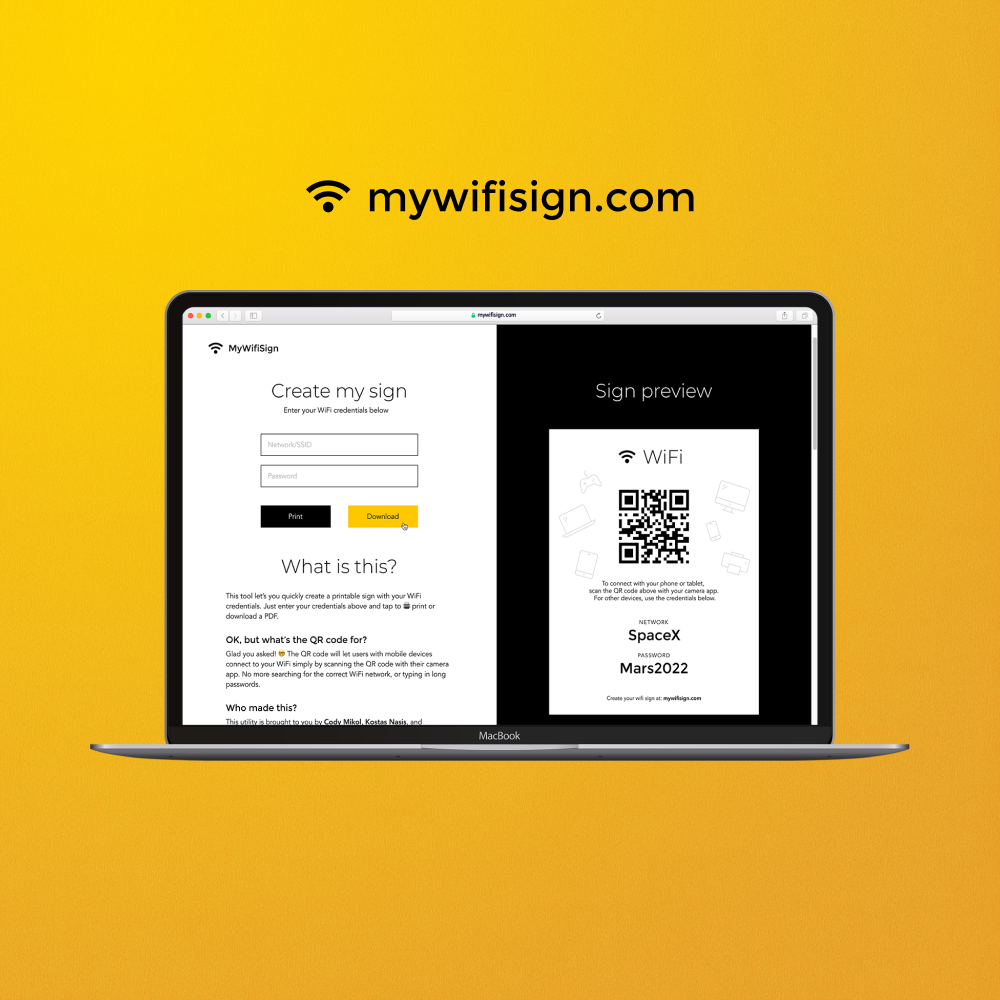
- PAPrint a WiFi Login Card2021 · wificard.io · ▲769
Print a simple card with your WiFi login details. Tape it to the fridge, keep it in your wallet, etc.


- PAPrint a WiFi Login Card2020 · wifi.dev.bdw.to · ▲305
 WiFi QR Code Generator 2025 · wifiqr.io · ▲2
Hi HN I built WiFi QR, a simple web app that lets you instantly generate WiFi QR codes to share your network safely — no sign-up and completely free. I created it because I was tired of guests asking for the WiFi password every time. Now, you can just scan a QR code and connect instantly. Features: - Works instantly in any browser (mobile & desktop) - Privacy-first: no data stored or sent anywhere - Supports WPA/WPA2 networks - Works offline once loaded Try it here: https://wifiqr.io I’d love feedback or suggestions — especially from those interested in privacy, UX, or web…
More dev tools this month
the category →

open-source IDE for thoughtful software design. Contribute to devdotfast/whiteboard development by creating an account on GitHub.
Dev tools · 29d ago · github.com

Contribute to reladraw/reladraw development by creating an account on GitHub.
Dev tools · 27d ago · github.com

Contribute to oosexgang/hackios-xnu-kernel development by creating an account on GitHub.
Dev tools · 14h ago · github.com
 OpenBot▲362
Grok Bot alternative: free, local, open-source, multiplayer
Dev tools · 24d ago · openbot.run
 Talanoa▲346
Hi HN, I’m a fullstack developer, and honestly, I’ve lost count of how many side projects I’ve worked on over the years. But one idea kept coming back to me: a different kind of email client. It first came to me in 2014: “What if we could handle emails more like conversations?” Every year, I’d revisit this concept in my “Build Notes.” Ten years later, no one had built exactly what I had in mind — so I finally decided to do it myself. That’s how Talanoa was born. I wanted something focused on people, not timelines. I was tired of marking messages as unread just to remember to reply later, or…
Dev tools · 21d ago · talanoa.email
Source: Show HN post ↗ · launch text quoted in part
Launched alongside, March 2025
the whole month →
Mimic Human Research & Save Findings in AI Knowledge Base
AI · 2025 · sider.ai


