Dev tools · alternatives · 2026

24 alternatives to A Standalone/GitHub CLI Extension to Preview GitHub Flavored Markdown
A standalone/GitHub CLI extension to preview GitHub Flavored Markdown, even offline. - thiagokokada/gh-gfm-preview
A command-line tool that extends GitHub's CLI to preview GitHub Flavored Markdown files locally before pushing to repositories. It allows developers to see how markdown will render with GitHub's formatting rules… Below are 24 products that do a similar job, ranked by how close each is in meaning and then by launch-day votes.
- 1

Ghore is a simple cli tool to preview markdown files like they would appear on Github. It doesn't rely on Github's API and can be used completely offline. It also supports live preview of mermaid code blocks (Github's API doesn't process mermaid codeblocks).
2024 · github.com · its alternatives →
- 2
 GitHub CLI▲408
GitHub’s official free and open source command line tool
2020 · cli.github.com · its alternatives →
- 3
 MARKDE▲67
An editor for writing multiple formats of markdown text✍️
2021 · markde.netlify.app · its alternatives →
- 4
 Markdown Preview▲211
Markdown Editor with instant preview using GitHub CSS.
2022 · freecodetools.org · its alternatives →
- 5

A syntax-highlighting pager for git, diff, grep, rg --json, and blame output - dandavison/delta
2020 · github.com · its alternatives →
- 6
 Refined GitHub▲324
Browser extension that makes GitHub cleaner & more powerful
2017 · github.com · its alternatives →
- 7

Inspired by the design and UI/UX of apps like Notion, and utility of open-source apps like StackEdit, I decided to create a minimalistic, local-only WYSIWYG Markdown editor. Some features worth highlighting: - Monaco editor and Prettier integration for code snippets - Tables (apparently the holy grail of WYSIWYG editing) - Embeds (for CodePen, CodeSandbox and YouTube, most useful for HTML or JSON exports) - Accepts Markdown paste-in, and "exports"/generates HTML, Markdown and JSON outputs - Collaboration (with real-time awareness and initial commenting system, available only when…
2023 · editor.vrite.io · its alternatives →
- 8

I built a browser extension called Gitcasso which: - Adds markdown syntax highlighting to GitHub textareas - Lists every open PR/issue tab and any drafts - (Optional, unimplemented) autosaves your comment drafts so you don’t lose work I made it because I was impressed by https://overtype.dev/ (a markdown textarea syntax highlighter) which went big on here on HN a few weeks ago, and it seemed like a perfect fit for a GitHub browser extension. Keeping up with changes on upstream GitHub would normally be a pain, but with with Playwright and Claude Code it seemed possible for…
2025 · github.com · its alternatives →
- 9

tl;dr: My first Ruby project: https://github.com/symkat/GFM-Service Something I have wanted for a long time, has been to use GitHub Flavored Markdown in projects. Since those projects haven't been Ruby, using the awesome libraries GitHub's released has been a non-started. Now, running this and using HTTP and JSON from any language lets me use GitHub Flavored Markdown in my projects.
2012 · github.com · its alternatives →
- 10

GitHub Gist: instantly share code, notes, and snippets.
2018 · gist.github.com · its alternatives →
- 11

Simple and easy feature filled Github markdown editor.
2018 · chromewebstore.google.com · its alternatives →
- 12
 Readmekraft▲132
Craft perfect GitHub markdown files with AI
2024 · readmekraft.vercel.app · its alternatives →
- 13

Syntax highlighted side-by-side diffs in your terminal - banga/git-split-diffs
2021 · github.com · its alternatives →
- 14

🧜♀️ RESTful rendering pipeline for generating sequence and UML diagrams using Mermaid for Markdown docs (Diagrams as a Service) - Schachte/Mermrender
2019 · github.com · its alternatives →
- 15GC
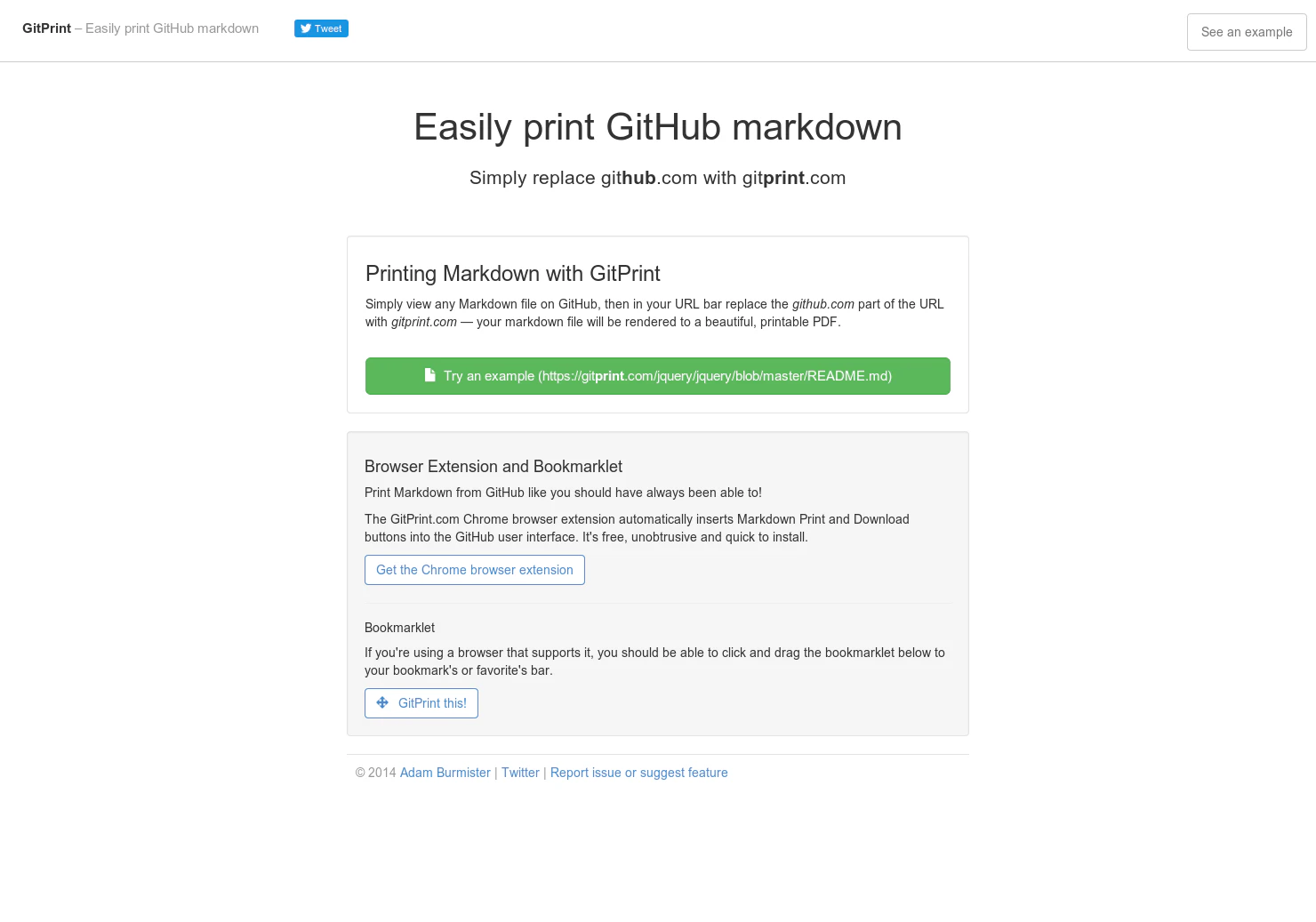
2014 · gitprint.com · its alternatives →
- 16
 Docbase▲110
Render your markdown documentation into beautiful sites
2016 · opensource.appbase.io · its alternatives →
- 17

Simple, fast & live preview markdown
2025 · onlinemarkdown.com · its alternatives →
- 18
- 19

Rich-cli is a command line toolbox for fancy output in the terminal - Textualize/rich-cli
2022 · github.com · its alternatives →
- 20DM
2018 · devpen.io · its alternatives →
- 21

Writing Github readme's and markdown easier
2018 · chromewebstore.google.com · its alternatives →
- 22

Full git and GitHub integration with Sublime Text. Contribute to timbrel/GitSavvy development by creating an account on GitHub.
2015 · github.com · its alternatives →
- 23

- 24

A supercharged Git/GitHub command line interface (CLI). An official integration for GitHub and GitHub Enterprise: https://github.com/works-with/category/desktop-tools - donnemartin/gitsome
2016 · github.com · its alternatives →
Also compare
Ranked by how close each launch is in meaning, then by votes. Prices were read from each product’s own site when checked and can change. Refine with your own description →