nowfound

Alternatives

Products that do what Reclaim does

Two machines, one monitor, one keystroke to take it back

  1. 1

    One mouse, keyboard and second screen for all your computers

    11d ago · easyswitch.realbrain.cc

  2. 2

    Automatically clean & backup your MacOS desktop in 1 click

    2022

  3. 3

    Easiest way to resize and manage windows on your Mac.

    2015

  4. 4

    Use your iPad as a second display for your Mac

    2014 · duetdisplay.com

  5. 5

    One shortcut to control your dual monitors instantly

    2025

  6. 6

    Free disk cloning, backup and erasing software

    Dec 2025

  7. 7

    Connect, control, and clean your devices from one location

    2023

  8. 8
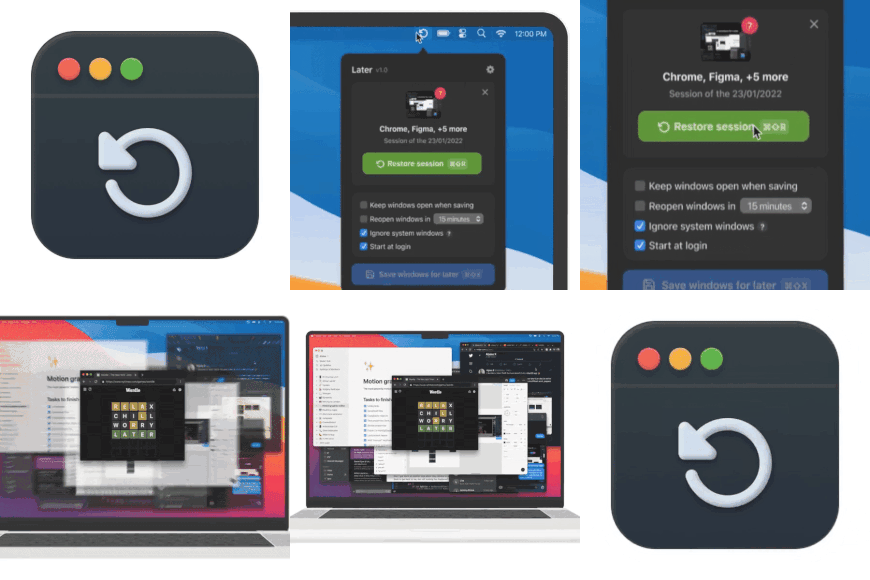
    Later450

    Save all your Mac apps for later with one click

    2022

  9. 9

    Screen share with confidence on your Mac

    2024

  10. 10
    Rewisp172

    See it once. Ask forever.

    Jul 2026 · yashmitb.github.io

  11. 11MM

    Simple KVM lets you control multiple PCs from one mouse, keyboard and monitor(s). It is similar to Haimgel's display-switch (https://news.ycombinator.com/item?id=29608967), but it provides a GUI which hopefully makes it a bit easier to set up. It also supports hotkeys which effectively lets you alt+tab between computers. I was surprised by the star-to-download ratio (55:400) on GitHub, so I thought I'd post it here as it might be useful to someone. Feedback welcome! Thanks, Fidel

    2024 · github.com

  12. 12
    Wins156

    Bring system-level arrange window features to Mac

    2022

  13. 13
    Warp152

    Automate saving and restoring windows

    2022

  14. 14

    Switch focus across displays just by hovering

    Sep 2025

  15. 15

    Noise-cancelling for your  screen now with cursor shake

    Dec 2025

  16. 16

    All your mac toggles in one place

    2019

  17. 17
    Remtoloc144

    Sync databases and files to your Mac with just two clicks

    2025

  18. 18
    PliimPRO208

    Safely share your screen with one click

    2020

  19. 19DA

    Hi HN, Francesco from Cua here. I hacked this project together last weekend, inspired by the Codex Computer-Use release and lessons learned from deploying GUI-operating agents for our customers. The main problem: when a UI automation process controls a desktop app today, it usually takes over the human’s session. Your cursor moves, keyboard focus gets stolen, windows jump to the front, and you have to stop working until the agent is done. That is why we have historically avoided encouraging users to run these processes directly on their host machine, instead relying on VMs or GUI containers…

    Apr 2026 · github.com

  20. 20

    Control your Mac using head movements

    2020

  21. 21
    Ditto144

    Switch between your tasks in one click

    2021

  22. 22

    Keep any Mac window visible in a floating mini screen

    Jul 2026 · labs.toybird.com

  23. 23
    Tidy98

    Your Mac tidies itself: screenshots, installers, Downloads

    Jul 2026 · tidymacapp.com

  24. 24

    Share a portion of your screen - All from your macs menu bar

    2024

Ranked by how close each launch is in meaning, then by votes. Refine with a description →