Work · alternatives · 2026

24 alternatives to TakeBreak
Control your screen time for your health and productivity
Below are 24 products that do a similar job, ranked by how close each is in meaning and then by launch-day votes. TakeBreak launched in 2024; newer entries below may have overtaken it.
- 1
- 2

- 3
 DeskBreak▲76
Browser Extension: Smart Breaks for a Healthier Workday
2024 · deskbreak.app · its alternatives →
- 4
 LookAway 2▲281
Hello, I'm Kushagra and I am the indie developer behind LookAway (I've posted about it earlier but it has received quite a lot of updates since the last time so I am posting it again). LookAway is a native break reminder for macOS that doesn't interrupt. I built it because I work from home and I spend a lot of time in front of my screens. It's very easy for me to get lost in the flow and I can end up sitting for hours. Due to this, I started facing issues like eye strain and back pain by the end of the day. The solution to this was simply taking enough breaks throughout the day. But…
Apr 2026 · lookaway.com · its alternatives →
- 5
 Take a Break▲68
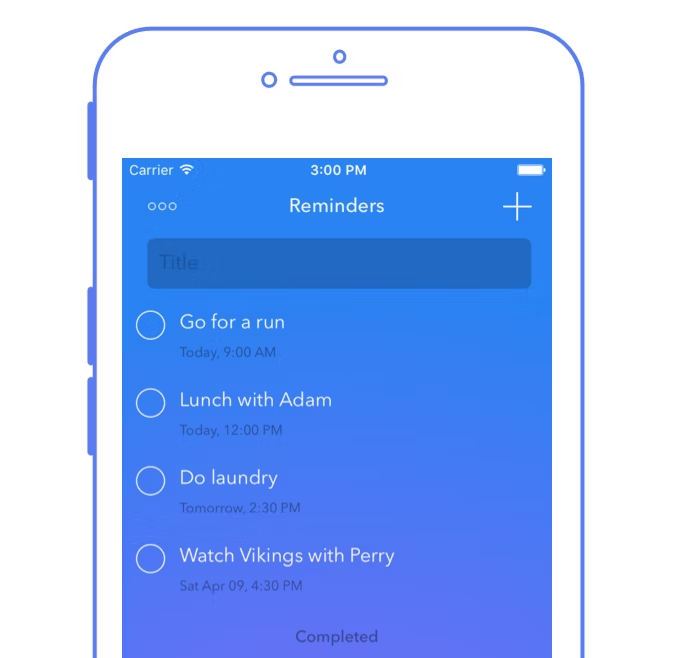
Reminders to take breaks and sync with others
2020 · apps.apple.com · its alternatives →
- 6
- 7

Automatically track screen time and build better habits
2018 · rescuetime.com · its alternatives →
- 8
 Work-Break▲12
Smart break & task tracking to boost daily productivity
2025 · work-break.com · its alternatives →
- 9

- 10PT
2019 · break45.com · its alternatives →
- 11
Stop doom-scrolling. Free Android screen-time control.
Jun 2026 · play.google.com · its alternatives →
- 12
 Breaks For Eyes▲161
A Mac app to get rid of eye strain, dry eyes and fatigue
2018 · tryintermission.com · its alternatives →
- 13
 ScreenBreak▲125
Hi HN, I built ScreenBreak after realizing that most app blockers failed in practice. “Hard blocks” were too rigid — I either locked myself out entirely or tapped Ignore Limit and kept scrolling. There was no useful middle state. In reality, people still need to open apps like TikTok or Instagram for specific tasks: looking something up, replying to someone, checking updates, etc. The problem isn’t intentional use; it’s the unplanned, unconscious scrolling that follows. I wanted a system that interrupts the impulse without fully preventing access. ScreenBreak uses soft blocking plus…
Dec 2025 · screenbreak.app · its alternatives →
- 14

- 15

- 16

Open source screen break timer for macOS
Jan 2026 · restnow.xyz · its alternatives →
- 17

- 18
 Focus Mode▲64
Focus mode helps you stay focused when you need to.
2017 · play.google.com · its alternatives →
- 19

Mac app that reminds you to take breaks
2018 · apps.apple.com · its alternatives →
- 20
Do you take digital breaks? Focus & Productivity Booster
2020 · play.google.com · its alternatives →
- 21

- 22

Find out how long you are working without a break
2021 · apps.apple.com · its alternatives →
- 23
Take breaks to protect your eyes and health
2019 · adelmaer.com · its alternatives →
- 24

Also compare
Ranked by how close each launch is in meaning, then by votes. Prices were read from each product’s own site when checked and can change. Refine with your own description →