DailyDash — Master Your Deep Work
Track your screen time locally. No cloud, ever.
What it does
Most time trackers send your data to the cloud or require manual input. DailyDash does neither. It automatically tracks which apps you use and for how long — everything stays on your machine. No subscription, no cloud, no manual timers. ✦ Automatic app tracking ✦ Daily summaries & reports ✦ Smart Workspaces (group apps by project) ✦ Activity timeline ✦ 100% local — your data never leaves your PC Free on Microsoft Store. Built for deep work.
Does the same job
all alternatives →- DADayflow – A git log for your daySep 2025 · github.com · ▲480
Hi HN! I've been building Dayflow, a macOS app that automatically tracks what you're actually working on (not just which apps you have open). Here's what it does: - It creates a semantic timeline of your day; - It does it by understanding the content on your screen (with local or cloud VLMs); - This allows you to see exactly where your time went without any manual logging. Traditional time trackers tell you "3 hours in Chrome" which is not very helpful. Dayflow actually understands if you're reading documentation, debugging code, or scrolling HN. Instead of "Chrome: 3 hours", you get…

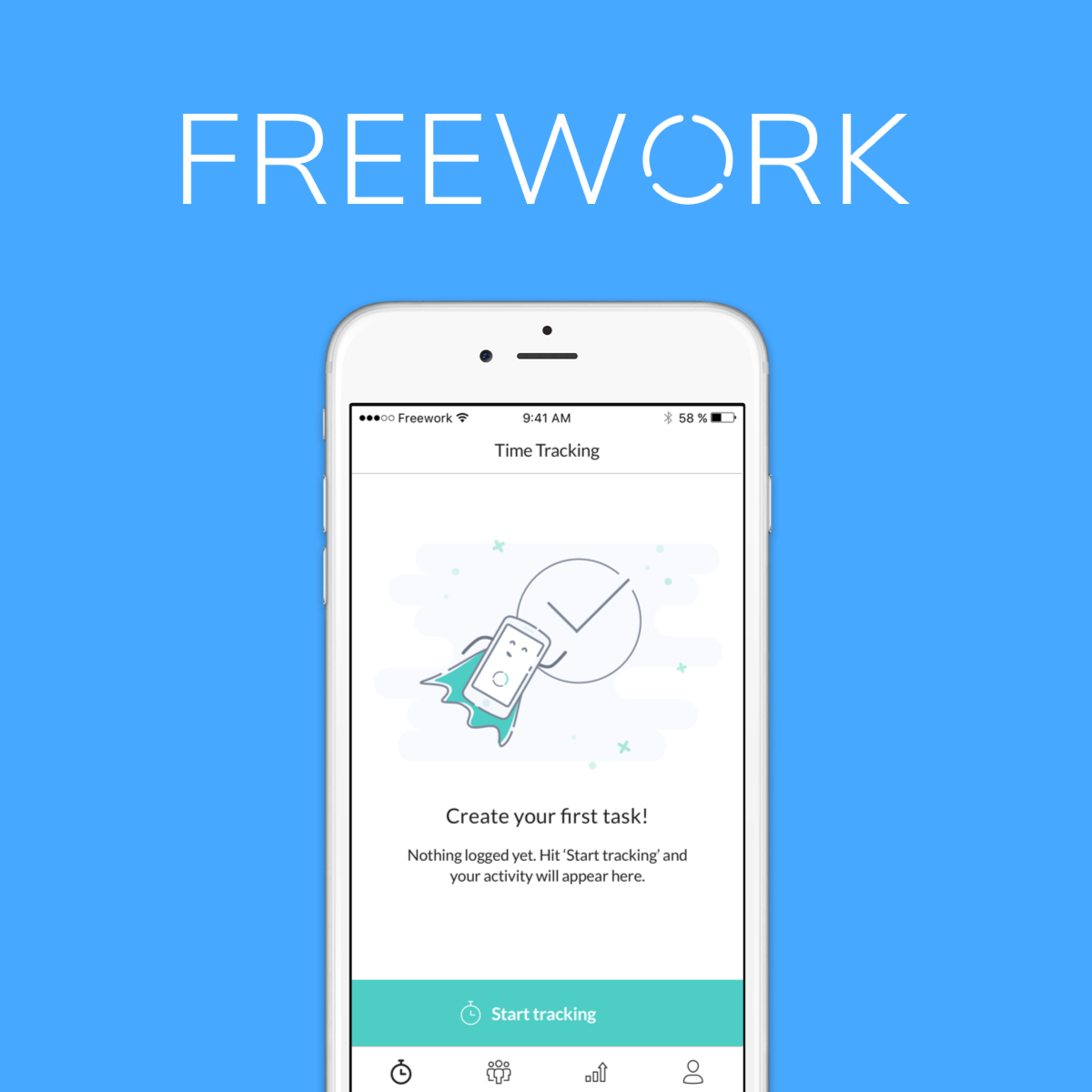
 Instant - Website Time Tracker2018 · ▲79
Track the time you spend on websites in your Mac Menubar 🕑🌏💻
More work this month
the category →


The app store for voice native apps that lives in your notch
Work · 28d ago · voiceos.com


Mac-native app for screenshots, recordings and collaboration
Work · 5d ago · cleanshot.com
Launched alongside, March 2026
the whole month →

Switch from ChatGPT to Claude with import memory feature
AI · Mar 2026 · claude.com